AI Business Intelligence: The SME Playbook (2026)
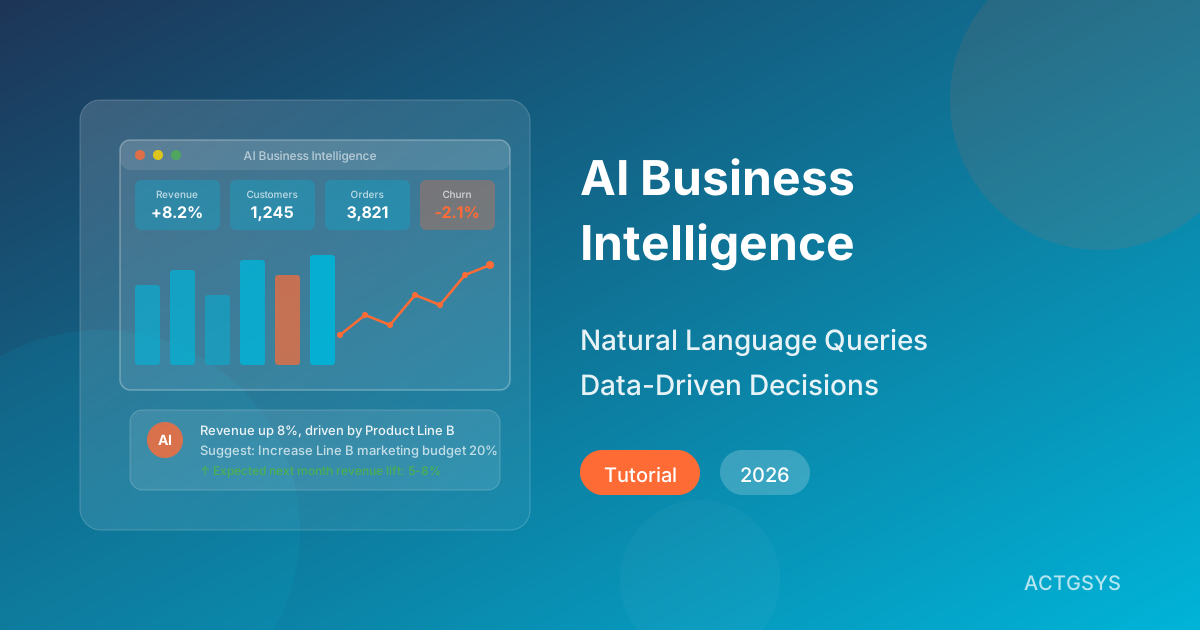
"Sales dropped last month — why?" When the boss asks this question, the traditional approach involves opening Excel, spending two days organizing data, creating charts, and writing a report. The 2026 approach: tell your AI business intelligence system "Analyze why sales declined last month," and in three minutes you have complete analysis results with improvement recommendations. That's the power of AI BI.
What Is AI Business Intelligence? How Is It Different?
Pain Points of Traditional BI
Traditional business intelligence tools have served enterprises for years, but face clear limitations for SMEs:
- High barrier: Requires specialized data analysts for SQL queries
- Slow: Getting answers can take days from the initial question
- Passive: Can only view pre-built reports and dashboards
- Fragmented data: Data across systems can't be effectively integrated
- Lacks insight: Only shows "what happened," not "why"
Four AI BI Breakthroughs
| Capability | Traditional BI | AI Business Intelligence |
|---|---|---|
| Query Method | SQL / drag-and-drop | Natural language conversation |
| Report Generation | Manual design and scheduling | AI auto-generates and recommends |
| Insight Depth | Descriptive (what happened) | Diagnostic + Predictive + Prescriptive |
| Anomaly Detection | Manually set thresholds | AI auto-learns and detects |
| User Requirements | Data analysis background | Anyone can use it |
| Real-time | Periodic updates (daily/weekly) | Real-time updates and proactive alerts |
Five AI BI Use Cases for SMEs
1. Sales Performance Intelligence
Example Query: "Which products had the biggest sales decline this month? Why?"
AI BI can:
- Automatically compare sales trends across product lines
- Cross-analyze pricing, promotions, seasonality, and competitor factors
- Identify abnormally declining products and provide likely causes
- Suggest specific improvement actions (pricing adjustments, increased promotion, inventory optimization)
2. Financial Health Monitoring
Example Query: "How many months can our current cash flow sustain operations?"
AI BI can:
- Calculate cash runway in real-time
- Forecast revenue and expenses for the next 3-6 months
- Identify abnormal expense items
- Proactively push alerts when financial metrics show risk
3. Customer Behavior Analysis
Example Query: "What do our most valuable customers have in common?"
AI BI can:
- Automatically segment and identify high-value customer characteristics
- Analyze purchasing behavior patterns and preference changes
- Predict individual customer's next purchase timing
- Recommend marketing strategies for different customer segments
4. Inventory & Supply Chain Optimization
Example Query: "Which products need restocking ahead of next month?"
AI BI can:
- Combine historical sales, seasonal factors, and marketing campaigns to forecast demand
- Automatically calculate safety stock and optimal reorder points
- Identify slow-moving inventory and overstock risks
- Recommend optimal ordering timing and quantities
5. Operational Efficiency Tracking
Example Query: "How does our order processing efficiency compare to industry benchmarks?"
AI BI can:
- Track time spent at each stage from order to delivery
- Identify process bottlenecks and underperforming nodes
- Compare performance across different periods and teams
- Suggest process optimization priorities
Building an AI BI System for SMEs
Step 1: Data Inventory and Integration
Before building AI BI, inventory your existing data sources:
| Data Source | Contains | Integration Method |
|---|---|---|
| CRM System | Customer data, sales records, interactions | API connection |
| ERP System | Inventory, finance, production data | API connection |
| Accounting System | Revenue/expense details, receivables/payables | File import or API |
| E-commerce Platform | Orders, traffic, conversion data | API connection |
| LINE/Social Media | Fan interactions, messaging data | API connection |
| Excel/Google Sheets | Various manually compiled reports | File import |
Step 2: Choose the Right AI BI Tool
| Tool | Best For | AI Features | Monthly Cost |
|---|---|---|---|
| Microsoft Power BI + Copilot | Small-medium businesses | NL queries, auto-insights | $10-30/user |
| Google Looker Studio + Gemini | Small businesses | Auto-reports, smart analysis | Free to $15/user |
| Tableau + Einstein AI | Medium businesses | Predictive analytics, anomaly detection | $60-150/user |
| Metabase (open source) | Micro to small | Basic AI features | Free (self-hosted) |
Step 3: Design Core Dashboards
An effective AI BI dashboard should include four layers:
1. Overview Layer (Executive Dashboard)
- Real-time KPIs: revenue, profit, customer count
- Period-over-period and year-over-year comparisons
- AI auto-summary: "This month's highlight: Revenue grew 8%, driven primarily by Product Line B"
2. Analysis Layer (Analysis Dashboard)
- Detailed performance by department/product line/region
- Trend charts and cross-analysis
- AI anomaly flags: "Alert: Region C return rate abnormally increased 25%"
3. Forecast Layer (Forecast Dashboard)
- 30/60/90-day performance forecasts
- Multi-scenario simulation (optimistic/baseline/pessimistic)
- Target achievement probability and gap analysis
4. Action Layer (Action Dashboard)
- AI-generated improvement recommendation list
- Priority-ranked action items
- Expected impact and execution difficulty for each recommendation
Step 4: Build a Data Culture
Even the best tools are worthless if nobody uses them. Build a data-driven culture:
- Start from leadership: Managers use data in decision meetings
- Lower barriers: Ensure everyone can ask questions in natural language
- Weekly data digests: AI auto-generates and pushes weekly reports
- Data-driven recognition: Celebrate teams that drive improvements with data
- Continuous refinement: Adjust dashboards based on user feedback
Case Study: Retail AI BI Transformation Results
A Taiwanese retail brand with 5 stores after implementing AI BI:
| Metric | Before | After | Improvement |
|---|---|---|---|
| Report Generation Time | 2-3 days/report | Instant | -99% |
| Inventory Turnover | 4.2x/year | 6.8x/year | +62% |
| Stockout Rate | 12% | 4% | -67% |
| Decision Response Time | 1-2 weeks | Instant | -95% |
| Monthly Revenue Growth | Baseline | +15% | Within 3 months |
Key success factor: AI automatically detected abnormal sales decline for a specific category at one store. Investigation revealed the display location had been changed. Immediate correction restored sales. This "proactive problem discovery" capability is something traditional BI simply cannot deliver.
Frequently Asked Questions
Q1: Do SMEs really need BI tools?
If your business has more than 3 data sources (e.g., CRM + ERP + e-commerce platform) and spends more than 10 hours monthly on manual reporting, BI tools will deliver significant efficiency gains.
Q2: Can AI BI produce incorrect conclusions?
AI analysis is based on data facts, but interpretation still requires human judgment. We recommend treating AI insights as "decision support" rather than "automatic decisions." For major decisions, always include a human verification step.
Q3: Is data integration difficult?
It depends on how open your existing systems are. Modern SaaS systems typically provide API connections, making integration relatively straightforward. Companies using legacy systems or heavy Excel reporting may need 2-4 weeks for initial data integration.
Q4: Can non-technical employees use AI BI?
The biggest feature of 2026 AI BI tools is "zero technical barrier." If you can type a question, you can use it. For example, typing "Which product sold best at our southern stores last month?" in the search box delivers an instant answer.
Q5: What's the ROI of AI BI adoption?
According to multiple studies, SMEs typically see ROI within 6-12 months of BI adoption. Key benefits include: saved reporting labor (20-40 hours/month), reduced inventory waste (30-50% decrease), and revenue uplift (through faster decision response).
Conclusion: Make Data Your Strongest Decision Advisor
In 2026's information-rich environment, SMEs don't lack data — they lack the ability to extract insights from it. AI business intelligence tools give every business owner a 24/7 data analytics advisor, ready to answer your business questions anytime and proactively discover risks and opportunities you haven't noticed.
ACTGSYS provides complete integration solutions for ERP, CRM, and AI BI systems. Our Dinkoko ERP and DanLee CRM both include built-in analytics features, making data-driven business decisions effortless.
Want data to create value for your business? Schedule a free consultation now and let us build your custom AI business intelligence analytics system.
Products & Solutions in This Article
AI-driven ERP focusing on procurement, inventory, and supply chain management. Each customer deployed on dedicated cloud infrastructure.
AI-powered CRM for lead management, customer tracking, and sales pipeline optimization designed for SMEs.
Related Articles
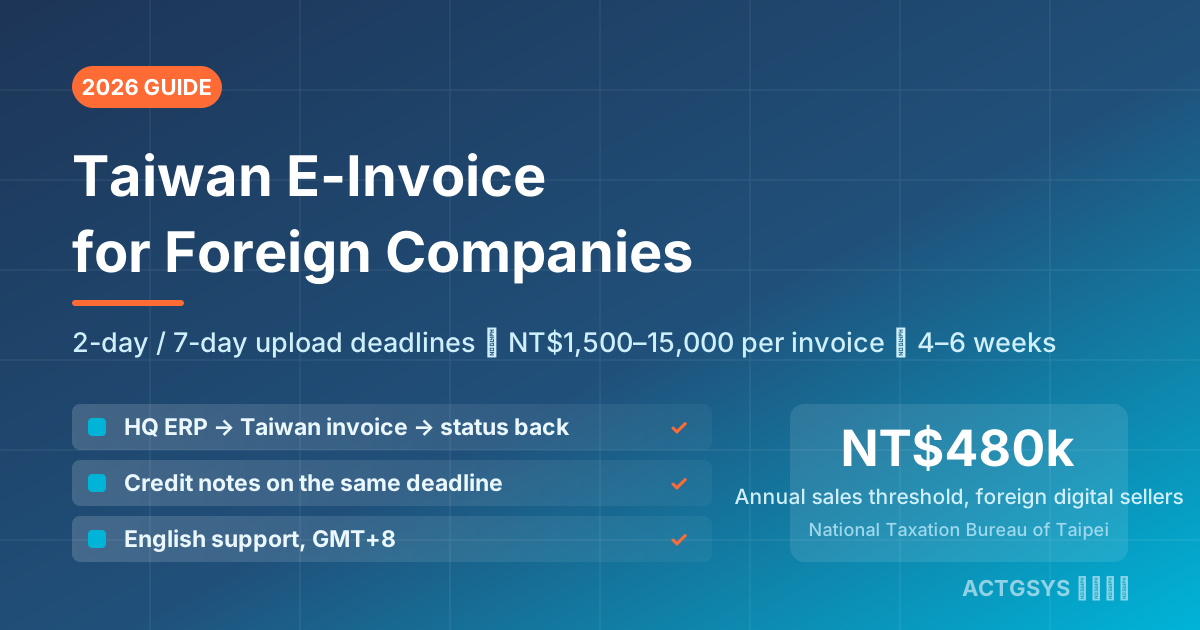
Taiwan E-Invoice for Foreign Companies 2026 - Cost
How a foreign-owned Taiwan subsidiary or branch connects its ERP to Taiwan's e-invoice platform: 2-day B2C / 7-day B2B upload deadlines, NT$1,500–15,000 per-invoice penalties, three integration paths, and a 4–6 week project from NT$50,000.
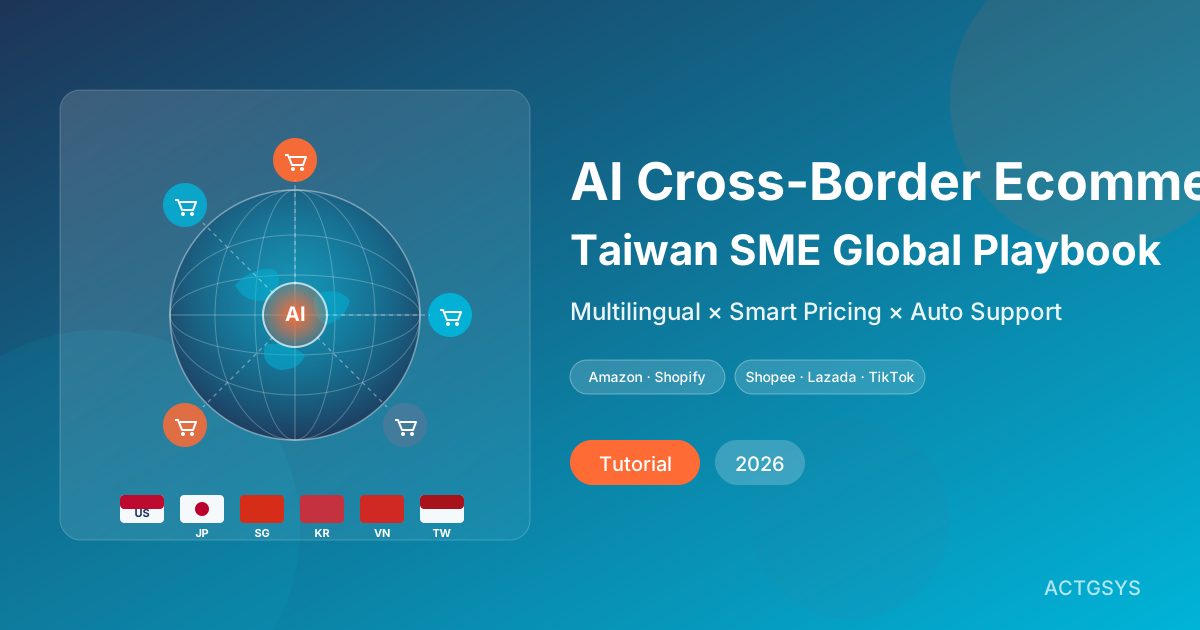
AI Cross-Border Ecommerce Playbook for SMEs (2026)
How Taiwan SMEs use AI to automate cross-border e-commerce — multilingual listings, smart customer service, dynamic pricing, ad ops, and logistics forecasting across Amazon, Shopify, Shopee, Lazada, and TikTok Shop.
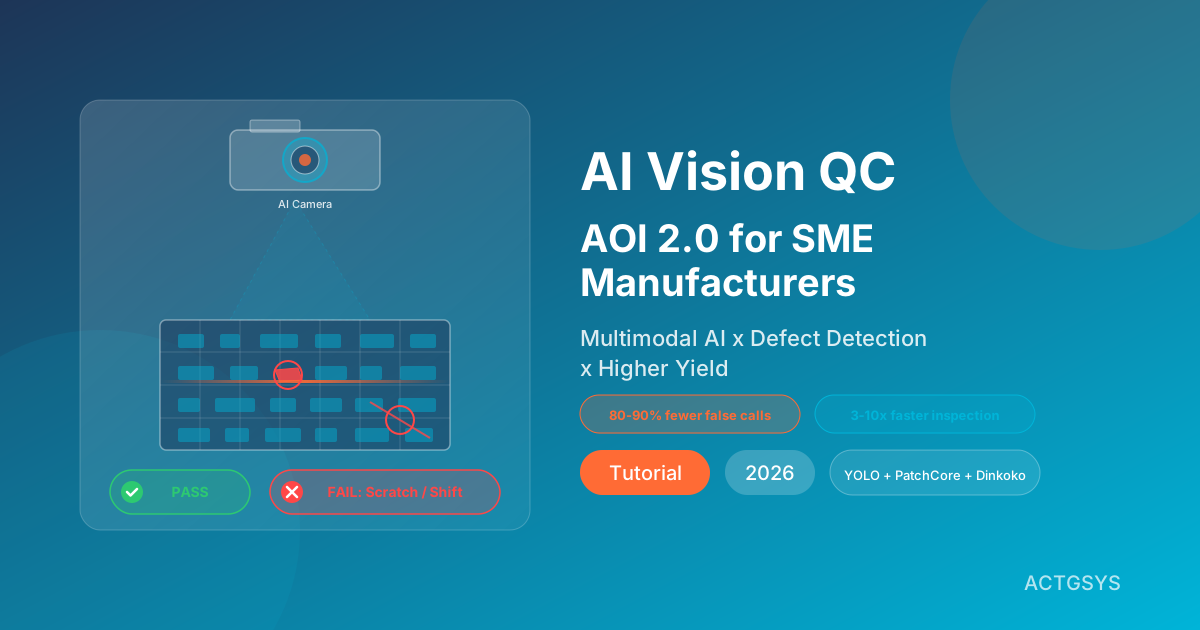
AI Vision Quality Control 2026: AOI 2.0 for SMEs
A deep dive into how AI vision QC (AOI 2.0) combines computer vision with multimodal LLMs to automate defect detection, raise yield and shrink inspection time. Includes a five-step rollout, platform comparison and FAQ.
What would this cost you?
Answer five questions. Within three working days you get a price range and what it covers. No deck, no follow-up sales calls.
Prefer to talk?LINE·02-2553-8084