What is ERP? Guide to Inventory Management Systems for SMEs
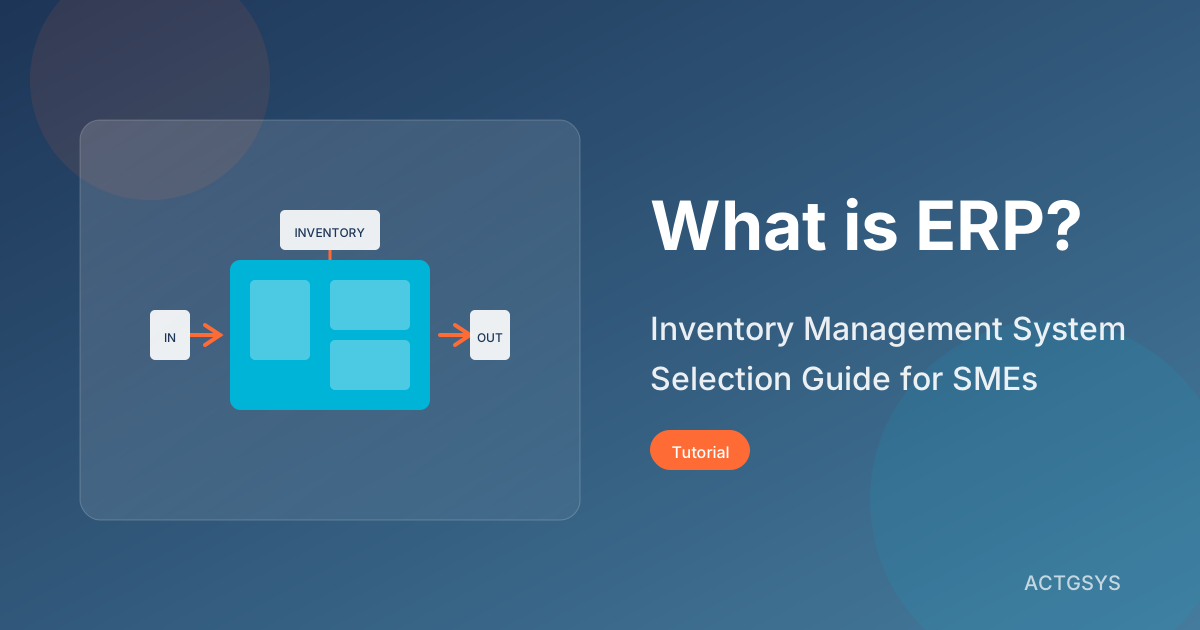
For growing small and medium-sized enterprises, manually managing inventory, orders, and procurement processes has become increasingly difficult. ERP (Enterprise Resource Planning) systems are key tools for solving these pain points, but how do you choose the right solution from the many options available?
What is ERP? Basic Concept Explained
ERP (Enterprise Resource Planning) is a management system that integrates information from various departments across an enterprise. For SMEs, the core functions of ERP typically include:
- Inventory Management: Complete purchase, sales, and stock processes
- Document Management: Digitized processing of orders, delivery notes, and invoices
- Report Analysis: Real-time visibility into operational data
- Multi-location Management: Data synchronization between headquarters and branches
The Three Core Pillars of Inventory Management
For SMEs, "Purchase-Sales-Inventory" represents the most commonly used ERP functions:
| Module | Function Description | Benefits |
|---|---|---|
| Purchase | Supplier management, purchase orders, goods receipt | Reduce procurement costs, ensure stable supply |
| Sales | Customer orders, shipping, returns processing | Accelerate shipping process, improve customer satisfaction |
| Inventory | Real-time stock, stocktaking, stock transfers | Reduce dead stock, avoid stockout losses |
Why Do SMEs Need ERP?
Many business owners ask: "We're a small company—isn't Excel good enough?" Let's look at a real case:
Case Study: A Trading Company's Transformation Story
A trading company with annual revenue of $1M was originally using Excel for inventory management:
- Monthly stocktaking took 3 days
- Frequent overselling (selling products not in stock)
- Couldn't understand profitability of each product in real-time
After implementing ERP:
- Stocktaking time reduced to 3 hours
- Overselling incidents dropped to zero
- Management reports generated in real-time
Five Key Benefits of ERP Implementation
- Reduce Human Errors: Automated calculations reduce manual input mistakes
- Real-time Inventory Information: Always know product quantities and locations
- Accelerate Operations: Significantly shorten order-to-delivery time
- Data-Driven Decisions: Sales and margin analysis at a glance
- Internal Controls & Compliance: Complete operation logs and permission management
SME ERP Selection Guide
Step 1: Clarify Requirements and Scale
Different business sizes require different levels of ERP:
Micro Enterprises (Under 5 people)
- Basic inventory management features sufficient
- Cloud version reduces initial investment
- Monthly subscription more flexible
Small Enterprises (5-30 people)
- Need multi-user simultaneous access
- Consider integration with other systems
- Customization needs begin to emerge
Medium Enterprises (30-100 people)
- Multi-department collaboration requirements
- Need comprehensive permission management
- Advanced reporting and analytics features
Step 2: Feature Checklist
When selecting ERP, confirm these core features:
Essential Features
- Procurement management (POs, goods receipt, verification)
- Sales management (quotes, orders, shipping, returns)
- Inventory management (real-time stock, stocktaking, transfers)
- Basic reports (sales reports, inventory reports)
Advanced Features
- Multi-warehouse management
- Serial/batch number tracking
- BOM (Bill of Materials) for manufacturing
- Accounting system integration
- Electronic invoice integration
Step 3: Evaluate Total Cost of Ownership
ERP costs go beyond the purchase price:
| Cost Item | Description |
|---|---|
| Software Fees | License or subscription |
| Implementation Fees | Data migration, system setup |
| Customization Fees | Special requirements development |
| Training | Staff training time and costs |
| Maintenance Fees | Annual maintenance and upgrades |
ERP Implementation Process
Phase 1: Requirements Gathering and Planning
- Understand existing operational processes
- Identify key pain points
- Set project goals and timeline
Phase 2: System Configuration and Customization
- Set up company master data
- Build product, customer, and supplier databases
- Adjust document formats and workflows
Phase 3: Data Migration
- Complete current inventory count
- Import historical data
- Verify data accuracy
Phase 4: Parallel Testing
- Run old and new systems simultaneously
- Compare data consistency
- Fix discovered issues
Phase 5: Go-Live
- Decommission old system
- Full team adoption of new system
- Provide real-time support
ERP Recommendations for SMEs
Dinkoko ERP - Built for SMEs
Dinkoko ERP is an inventory management system developed by ACTGSYS specifically for small and medium-sized enterprises:
Core Features
- Minimalist Interface: Easy for non-technical staff to use
- Cloud Real-time Sync: Check inventory anytime on phone or tablet
- Localized: Supports local tax and reporting formats
- AI Smart Alerts: Automatic notifications for low stock and receivables
- DanLee CRM Integration: Seamless connection between customer data and orders
Suitable Industries
- Wholesale and retail
- Import/export trading
- Small manufacturing
- E-commerce warehousing
Frequently Asked Questions
Q: What's the difference between ERP and inventory management systems?
A: Inventory management is part of ERP. A complete ERP also includes finance, HR, production, and other modules. SMEs typically start with inventory management and gradually expand.
Q: Cloud ERP or on-premise installation—which is better?
A: For SMEs, cloud solutions are usually more suitable:
- No need to build server rooms or hire IT staff
- Access from anywhere, anytime
- Automatic backup and updates
- Monthly payments reduce initial investment
Q: How long does ERP implementation take?
A: Depends on business size and complexity:
- Micro enterprises: 1-2 weeks
- Small enterprises: 2-4 weeks
- Medium enterprises: 1-3 months
Q: Can existing data be imported?
A: Yes. Professional ERP vendors will assist with data migration, including:
- Product master files
- Customer/supplier data
- Historical inventory
- Open orders
Conclusion
Choosing the right ERP system is an important step in SME digital transformation. You don't need to pursue the most feature-rich or complex system—find the solution that best fits your current business needs.
Want to learn how Dinkoko ERP can help your business? Book a free demo and let our consultants explain.
Products & Solutions in This Article
Related Articles
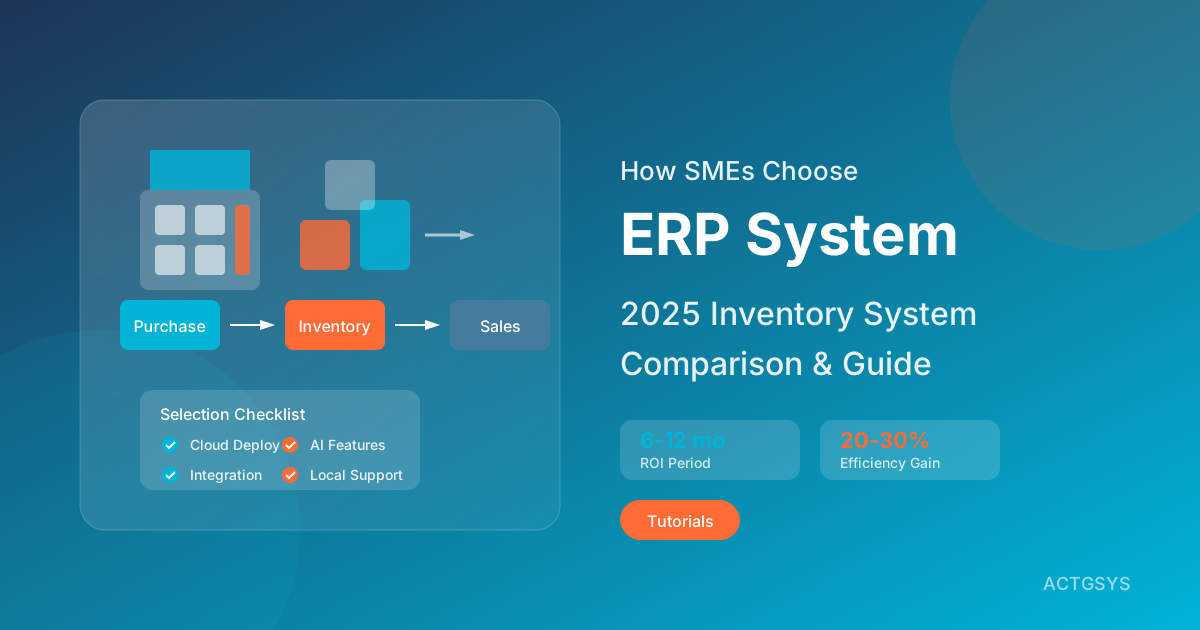
SME ERP Selection Guide 2025: Inventory Systems
Comprehensive comparison of mainstream ERP systems like Odoo, Business Central, Acumatica. Analysis of cloud vs on-premise solutions, open-source vs commercial differences. Provides SME ERP selection checklist to help you achieve ROI within 6-12 months.
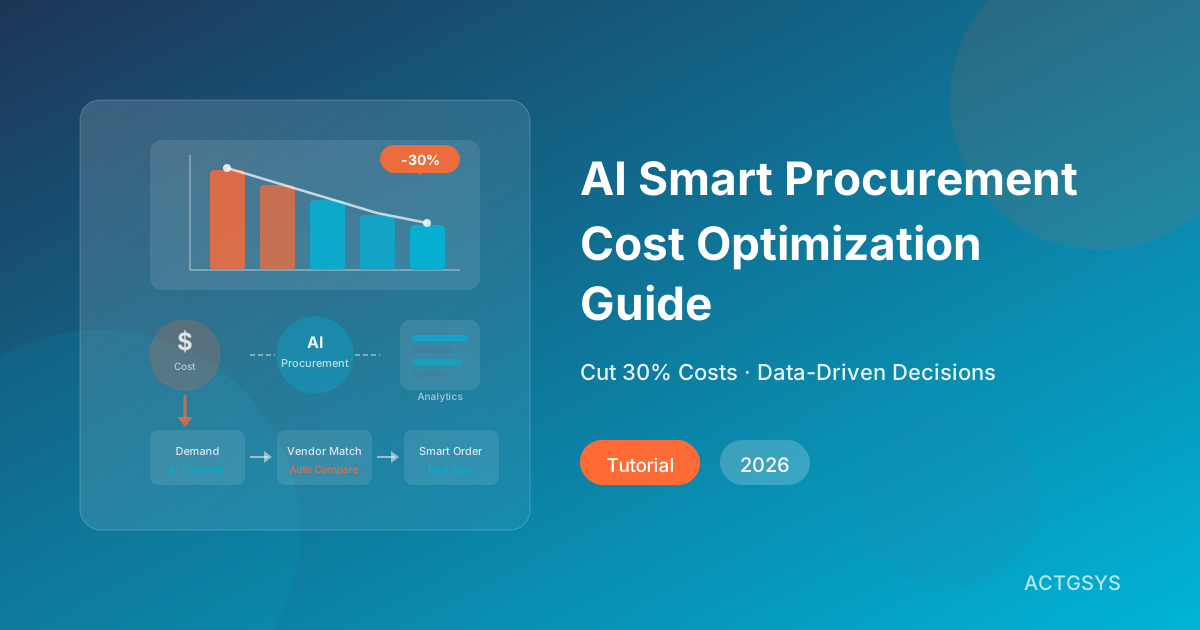
AI Smart Procurement & Cost Optimization Guide
Learn how AI is transforming procurement for small and mid-sized businesses — from supplier evaluation to price prediction, with ROI models, implementation steps, and Dinkoko ERP integration.
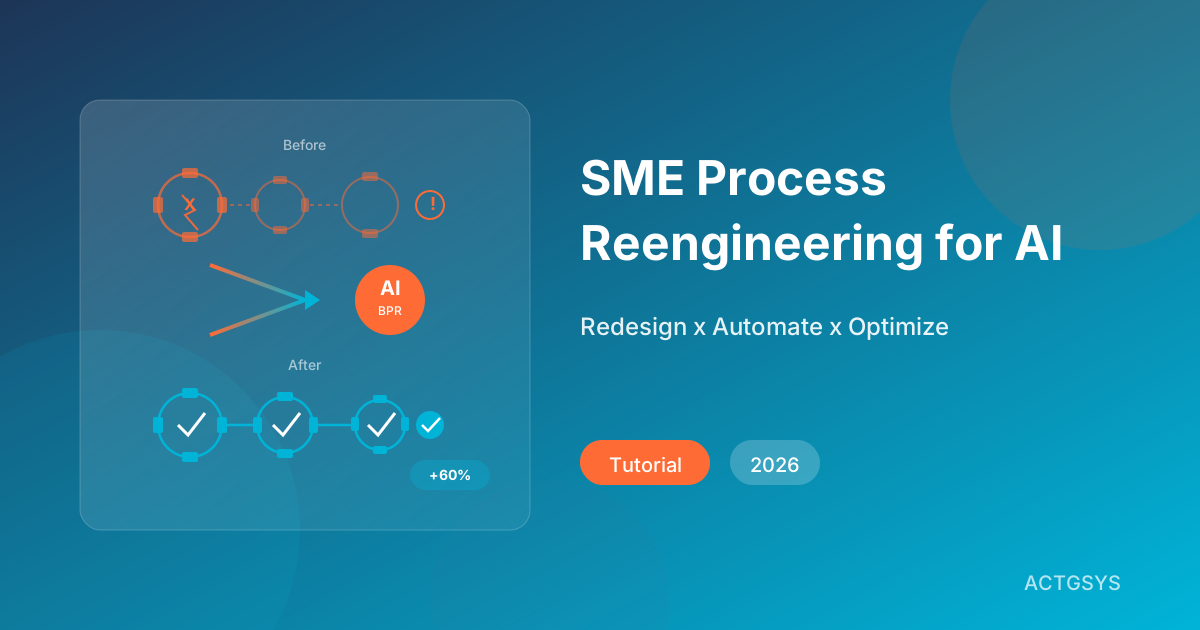
SME Process Reengineering for AI Automation (2026)
Why do most AI automation projects fail? This guide reveals that Business Process Reengineering (BPR) is the key to success, with a complete framework for SMEs.
What would this cost you?
Answer five questions. Within three working days you get a price range and what it covers. No deck, no follow-up sales calls.
Prefer to talk?LINE·02-2553-8084