Guide: AI Document Processing & Invoice Automation
If you run a small or medium-sized business, you already know the feeling: stacks of invoices piling up, an accounts payable team buried in manual data entry, and the nagging suspicion that every miskeyed digit is costing you real money. The numbers confirm it. Manual invoice processing costs between $15 and $25 per invoice, and the average data-entry-heavy employee costs a business roughly $28,500 per year just in labor devoted to keying information from one document into another system. For an SME processing a few hundred invoices each month, that adds up to a staggering annual expense -- one that AI document processing can now slash by 70% to 87%.
In 2026, the technology has matured far beyond simple optical character recognition. Modern AI document processing platforms deliver 95%+ extraction accuracy, handle invoices in multiple languages and formats, and increasingly operate as autonomous agents that can reason over your documents, make decisions, and trigger downstream actions without human intervention. This guide walks you through everything an SME needs to know to move from manual document chaos to intelligent, automated workflows.
What Is AI Document Processing?
AI document processing refers to the use of artificial intelligence -- including machine learning, natural language processing (NLP), and computer vision -- to automatically extract, classify, validate, and route information from unstructured and semi-structured documents. Invoices, purchase orders, receipts, contracts, and shipping manifests are all prime candidates.
Unlike traditional rule-based systems that require rigid templates for every document layout, AI-powered solutions learn from examples. They can handle invoices from hundreds of different vendors without anyone manually configuring extraction rules for each one. When a new vendor sends a completely unfamiliar invoice format, the system adapts on the fly.
For SMEs, this matters because you rarely have the luxury of standardizing every supplier's paperwork. You receive PDFs, scanned images, email attachments, and sometimes even photographed paper documents. AI document processing handles all of these inputs and normalizes them into clean, structured data ready for your ERP or accounting system.
Core Technologies: From OCR to IDP to Agentic AI
The evolution of document processing technology over the past decade can be understood in three distinct waves. Knowing where each technology sits helps you evaluate vendors and avoid paying for yesterday's approach.
Wave 1: Traditional OCR (Pre-2020)
Optical Character Recognition (OCR) converts images of text into machine-readable characters. Early OCR engines were effective for clean, printed documents but struggled with handwriting, skewed scans, low-resolution images, and complex table structures. Accuracy rates hovered around 80-90%, meaning significant human review was still required.
Wave 2: Intelligent Document Processing (2020-2024)
IDP combined OCR with machine learning models trained to understand document structure. Rather than just reading characters, IDP systems could identify that a particular number was a "total amount" and another was a "tax ID" based on spatial relationships and contextual clues. Accuracy for header fields climbed to 97%+, and line-item extraction reached 95%+ on well-supported document types.
Wave 3: Agentic AI Document Processing (2025-Present)
The 2026 landscape has shifted decisively from accuracy optimization to full end-to-end workflow automation. Agentic AI systems do not merely extract data -- they reason over documents, make decisions, and take actions. An agentic invoice processing system can:
- Receive an invoice via email, PDF upload, or API
- Extract all relevant fields with near-human accuracy
- Cross-reference the invoice against purchase orders and delivery receipts
- Flag anomalies such as duplicate invoices, pricing discrepancies, or missing approvals
- Route the invoice to the correct approver based on business rules
- Post the validated entry directly into your ERP system
- Initiate payment scheduling according to your cash flow policies
This is the wave that makes AI document processing transformative for SMEs, because it eliminates not just the data entry bottleneck but the entire manual workflow surrounding it.
ROI Analysis: Manual vs AI-Powered Invoice Processing
The financial case for AI document processing is straightforward. Below is a side-by-side comparison based on industry benchmarks for a typical SME accounts payable operation.
| Metric | Manual Processing | AI-Powered Processing | Improvement |
|---|---|---|---|
| Cost per invoice | $15 - $25 | $2 - $5 | 70% - 87% reduction |
| Invoices processed per month (per AP staff) | 500 | 2,000 - 4,000 | 4x - 8x throughput |
| Data entry accuracy | 96% - 98% (with errors compounding) | 95% - 99% (with auto-validation) | Fewer downstream errors |
| Average processing time per invoice | 12 - 15 minutes | 1 - 3 minutes | 80% - 90% time savings |
| Exception handling | Manual review of all flagged items | AI pre-resolves 60-70% of exceptions | Significant staff time freed |
| Annual labor cost (data entry per employee) | $28,500 | Reallocated to higher-value work | Direct savings or redeployment |
Calculating Your Specific ROI
To estimate your own return on investment, use this formula:
Monthly savings = (Current invoice volume x Current cost per invoice) - (Current invoice volume x AI cost per invoice) - Monthly platform cost
For example, an SME processing 800 invoices per month:
- Current cost: 800 x $20 = $16,000/month
- AI cost: 800 x $3 = $2,400/month
- Platform cost: ~$500/month (typical SME tier)
- Net monthly savings: $13,100
- Annual savings: $157,200
Even for smaller operations processing 200 invoices per month, the math typically works out to $30,000-$50,000 in annual savings -- enough to fund the AI platform several times over and free your AP team for strategic financial work.
5-Step Implementation Guide for SMEs
Adopting AI document processing does not require a massive IT overhaul. Here is a practical, phased approach designed for small and medium businesses.
Step 1: Audit Your Current Document Workflow
Before selecting any technology, map your existing process end to end. Document every step from the moment an invoice arrives to the moment it is paid and recorded. Identify:
- Where documents enter your organization (email, mail, supplier portals)
- Who touches each document and how many times
- Where bottlenecks and errors occur most frequently
- Which document types account for the highest volume
This audit typically takes one to two weeks and provides the baseline against which you will measure AI-driven improvements.
Step 2: Select an AI-Ready ERP or Integration Platform
Your AI document processing solution needs somewhere to send its extracted data. If you are already using an ERP system, check whether it offers native AI document processing or supports integrations with leading IDP platforms.
For SMEs evaluating new ERP systems, platforms like Dinkoko ERP are designed with AI integration in mind from the ground up. Having your ERP and document processing tightly coupled eliminates the data silos and manual handoffs that erode the benefits of automation.
Step 3: Start with a Single High-Volume Document Type
Resist the temptation to automate everything at once. Pick your highest-volume, most standardized document type -- usually vendor invoices -- and run a focused pilot. Aim for:
- A 30-day pilot period
- At least 200 documents processed through the AI system
- Parallel processing (AI and manual) for the first two weeks to validate accuracy
- Clear success metrics defined before the pilot begins
Step 4: Train the System and Refine Extraction Rules
Modern AI document processing platforms improve with feedback. During your pilot:
- Correct any extraction errors in the review interface so the model learns
- Add vendor-specific rules for your most common suppliers
- Configure validation rules (e.g., invoice total must equal sum of line items plus tax)
- Set up approval routing logic based on invoice amount, vendor, or department
Most platforms reach peak accuracy within 60-90 days of active use as the model adapts to your specific document ecosystem.
Step 5: Expand and Automate End-to-End
Once your pilot document type is running smoothly, expand to additional document types: purchase orders, delivery receipts, expense reports, and contracts. At each stage, connect the output to downstream actions in your ERP. The goal is to build a fully automated document-to-action pipeline where human intervention is required only for genuine exceptions and strategic decisions.
How to Choose the Right AI Document Processing Solution
Not all AI document processing platforms are created equal. Here are the criteria that matter most for SMEs in 2026.
Accuracy and Adaptability
Look for platforms that advertise 95%+ extraction accuracy on invoices and can demonstrate performance on documents similar to yours. Ask vendors for accuracy benchmarks on header fields versus line items, and test with your own sample documents during evaluation. The best platforms adapt to new document layouts without manual template configuration.
Integration Ecosystem
Your document processing platform must integrate with your existing systems. At minimum, check for:
- Native connectors to your ERP or accounting software
- Email ingestion (direct processing of emailed invoices)
- API access for custom integrations
- Support for your cloud storage platforms (Google Drive, OneDrive, Dropbox)
Scalability and Pricing
SME-friendly pricing means you pay for what you use. Avoid platforms that require enterprise-tier commitments with minimum volume guarantees. Look for per-document or per-page pricing models that scale with your business. A good benchmark for 2026: expect to pay between $0.10 and $0.50 per page for extraction, with volume discounts kicking in above 1,000 pages per month.
Security and Compliance
Your invoices contain sensitive financial data, vendor information, and potentially personally identifiable information. Ensure your chosen platform offers:
- SOC 2 Type II certification or equivalent
- Data encryption at rest and in transit
- Role-based access controls
- Data residency options if you operate in regulated jurisdictions
- Audit trails for every document processed
Vendor Support and Onboarding
For SMEs without dedicated IT teams, vendor support quality can make or break an implementation. Prioritize vendors that offer guided onboarding, dedicated customer success managers for the first 90 days, and responsive technical support. The initial setup and model training period is where most failed implementations go wrong.
2026 Trends: From Document Recognition to End-to-End Automation
The AI document processing landscape in 2026 is evolving rapidly. Here are the trends shaping where the market is headed and how SMEs should position themselves.
Agentic Workflows Replace Point Solutions
The biggest shift in 2026 is the move from document processing as a standalone capability to document processing as part of a larger agentic workflow. Instead of extracting data and dropping it into a spreadsheet, modern systems execute entire business processes. An invoice arrives, gets validated, matched to a purchase order, approved, posted to the general ledger, and scheduled for payment -- all without a human touching it. For SMEs, this means the ROI now extends far beyond the AP department.
Multimodal AI Handles Diverse Inputs
2026 platforms process not just scanned documents and PDFs but also photographs taken on a phone, handwritten notes on delivery slips, and even data embedded in emails or chat messages. Multimodal large language models have made format a non-issue. If a human can read it, the AI can process it.
Real-Time Processing Becomes Standard
Batch processing is giving way to real-time document processing. Invoices are extracted and validated within seconds of arrival, enabling faster approval cycles and better cash flow management. For SMEs competing with larger enterprises, this speed advantage can improve supplier relationships and unlock early-payment discounts.
Embedded AI in ERP Platforms
Standalone document processing tools are increasingly being absorbed into ERP platforms. Solutions like Dinkoko ERP are building AI document processing directly into their core workflows, so SMEs do not need to manage separate vendor relationships or worry about integration complexity. This embedded approach reduces total cost of ownership and simplifies the technology stack.
Continuous Learning and Autonomous Improvement
The most advanced platforms in 2026 feature self-improving models that continuously learn from every document processed and every correction made. Over time, accuracy improves, exception rates decrease, and the system requires less and less human oversight. For SMEs, this means the value of your AI investment compounds over time rather than depreciating.
For sales invoices in Taiwan the automation question is regulatory as much as technical: electronic uniform invoices must be uploaded within 2 or 7 days. Taiwan e-invoice integration: cost and timeline explains the paths and the budget.
Frequently Asked Questions
How accurate is AI invoice processing compared to manual data entry?
Enterprise-grade AI document processing platforms extract data at 95%+ accuracy overall, with header fields (vendor name, invoice number, date, total amount) reaching 97%+ accuracy. This is comparable to or better than skilled human data entry, which typically achieves 96-98% accuracy but degrades with fatigue and high volume. Crucially, AI systems include built-in validation checks that catch errors before they propagate, whereas manual errors often go undetected until reconciliation.
Is AI document processing affordable for small businesses?
Yes. The economics have shifted dramatically in favor of SMEs. Per-document pricing models mean you can start with as few as 50-100 invoices per month and still see positive ROI. At $2-$5 per invoice with AI versus $15-$25 manually, a business processing just 100 invoices per month can save $1,000-$2,000 monthly. Many platforms offer free tiers or trials, and cloud-based delivery eliminates upfront infrastructure costs entirely.
How long does it take to implement AI document processing?
For a focused implementation starting with a single document type (such as invoices), most SMEs can be operational within 2-4 weeks. This includes platform setup, initial model training with sample documents, integration with your ERP or accounting system, and a parallel-processing validation period. Full end-to-end automation across multiple document types typically takes 2-3 months.
Will AI document processing replace my AP staff?
In most SME scenarios, AI document processing does not eliminate AP positions -- it transforms them. Staff who previously spent their days on manual data entry are redeployed to higher-value activities: vendor relationship management, cash flow optimization, financial analysis, and exception handling that requires human judgment. The typical result is a more strategic, less stressed finance team handling significantly higher transaction volumes.
Can AI handle invoices in multiple languages and currencies?
Modern AI document processing platforms support multilingual extraction out of the box. Most leading solutions handle 30+ languages, including CJK (Chinese, Japanese, Korean) character sets, and can process invoices with mixed-language content. Multi-currency support, including automatic exchange rate lookup and conversion, is standard in 2026-era platforms.
Take the First Step Toward Automated Document Processing
Manual invoice processing is one of the most expensive inefficiencies still persisting in SME operations. The technology to eliminate it is mature, affordable, and accessible. Whether you process 100 invoices a month or 5,000, AI document processing can cut your per-invoice costs by 70-87%, free your team from tedious data entry, and give you faster, more accurate financial data to run your business.
ACTGSYS specializes in helping small and medium businesses implement AI-powered solutions tailored to their specific workflows and systems. From selecting the right platform to integrating it with your existing ERP and training your team, we guide you through every step of the journey.
Ready to see how much your business can save with AI document processing? Contact our team for a free consultation and personalized ROI analysis. We will map your current document workflow, identify the highest-impact automation opportunities, and build a practical implementation plan that delivers results within weeks, not months.
Products & Solutions in This Article
Related Articles
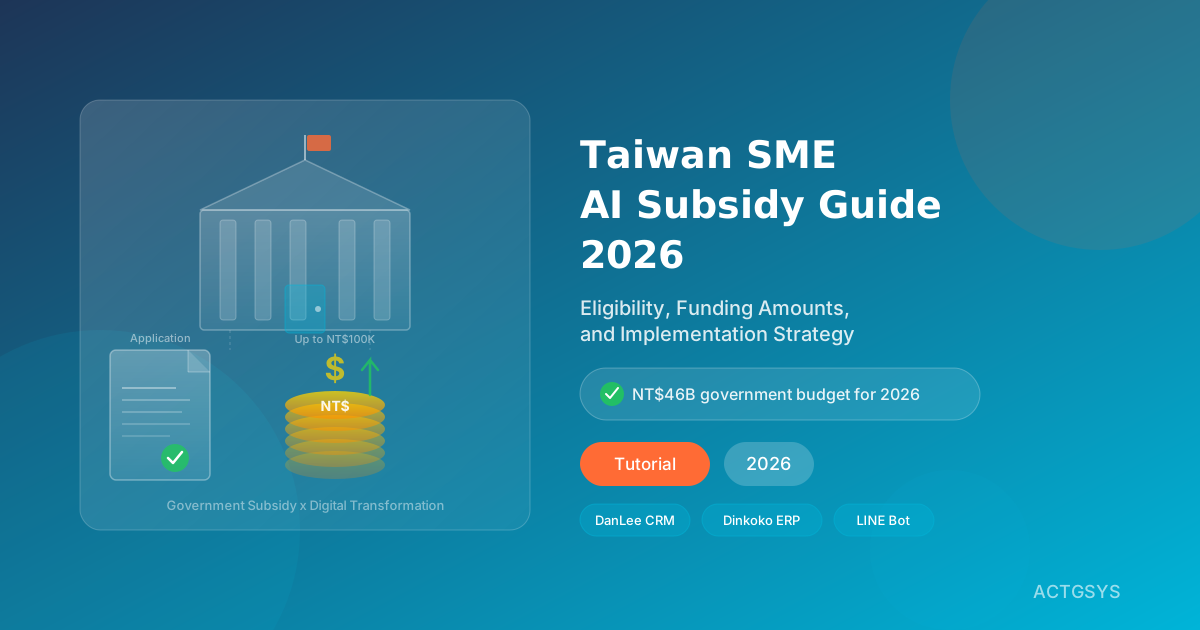
2026 Taiwan SME AI Subsidy Guide: Eligibility
A comprehensive guide to all Taiwan government subsidies for SME digital transformation in 2026 — including the MOEA subsidy for companies with under 30 employees (up to NT$100,000), TCloud marketplace, and the Diversified Revitalization Program — plus how to pair subsidies with ERP, CRM, and LINE Bot deployments for maximum ROI.
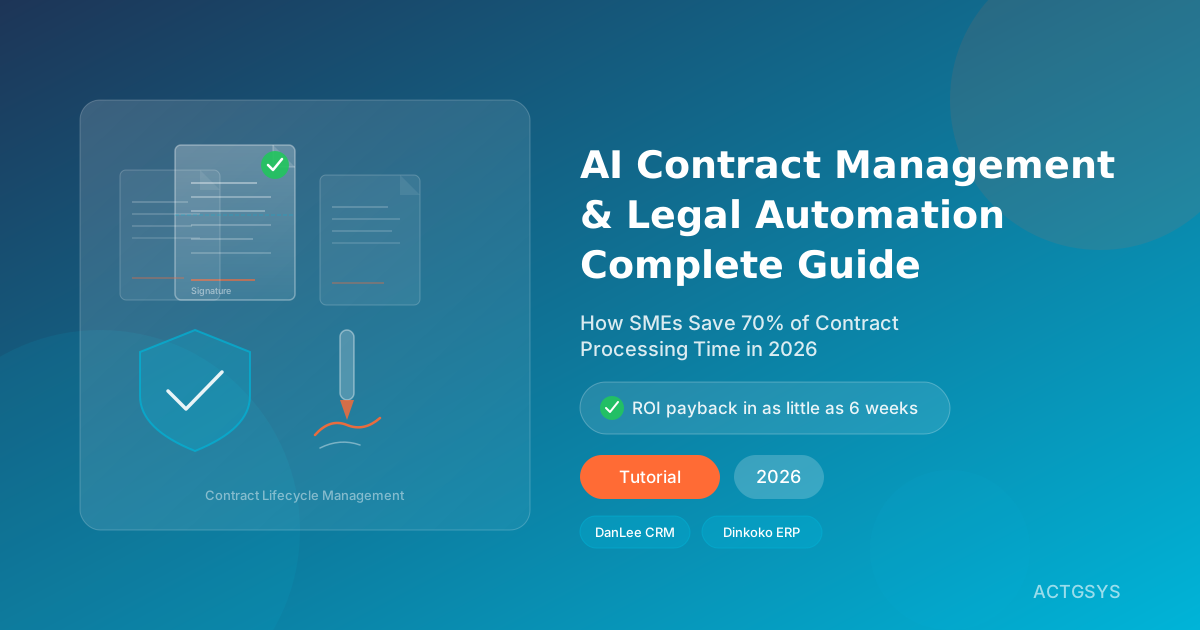
AI Contract Management & Legal Automation Guide
A deep-dive into how AI contract management systems help SMEs automate contract review, risk detection, and expiry tracking — with real-world CRM and ERP integration strategies to slash legal costs and compliance risk.
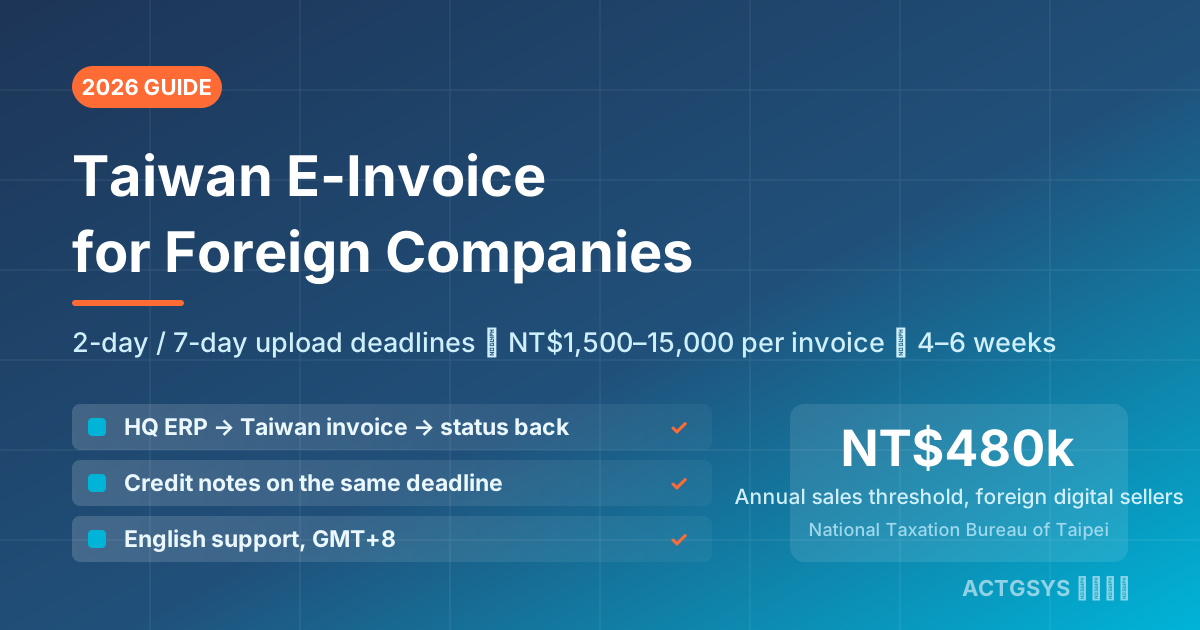
Taiwan E-Invoice for Foreign Companies 2026 - Cost
How a foreign-owned Taiwan subsidiary or branch connects its ERP to Taiwan's e-invoice platform: 2-day B2C / 7-day B2B upload deadlines, NT$1,500–15,000 per-invoice penalties, three integration paths, and a 4–6 week project from NT$50,000.
What would this cost you?
Answer five questions. Within three working days you get a price range and what it covers. No deck, no follow-up sales calls.
Prefer to talk?LINE·02-2553-8084