No-Code AI Workflow Automation for SMEs
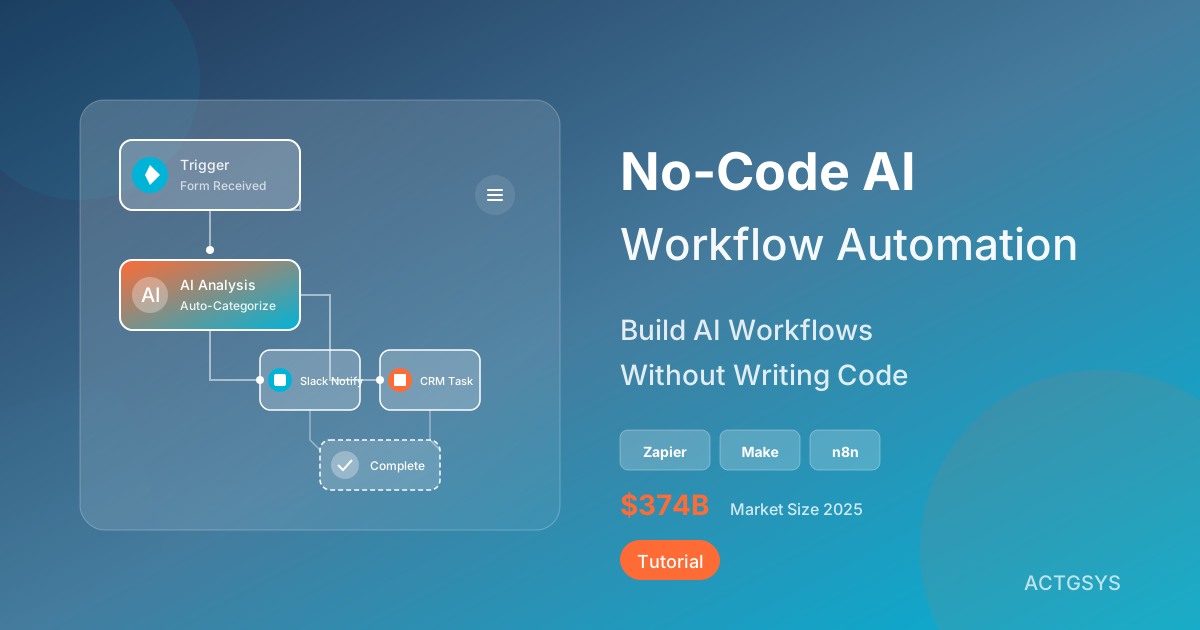
"I know AI can save me tons of time, but we don't have any engineers!" This is a common concern among SME owners. The good news: 2025's No-Code AI tools have evolved to an impressive level—you simply describe what you want to automate in plain language, and AI builds the complete workflow for you.
According to Fortune Business Insights, the global No-Code/Low-Code market will grow from $37.4 billion in 2025 to $264.4 billion by 2032, representing a 32.2% CAGR. This isn't coincidence—businesses are embracing the "citizen developer" revolution en masse.
What is No-Code AI Workflow Automation?
No-Code AI workflow automation enables non-technical users to build cross-system, cross-application automated processes through visual drag-and-drop interfaces or natural language descriptions, while integrating AI capabilities (like ChatGPT, Claude, etc.) into their workflows.
Traditional Automation vs No-Code AI Automation
| Aspect | Traditional Code-Based | No-Code AI Automation |
|---|---|---|
| Required Skills | Programming ability | No coding required |
| Development Time | Weeks to months | Hours to days |
| Maintenance | Requires developers | Business users can adjust |
| AI Integration | Requires API coding | Drag-and-drop components |
| Cost | High developer labor costs | Subscription-based, pay-per-use |
| Flexibility | Highly customizable | Limited by platform features |
Must-Know No-Code AI Automation Tools for 2025
1. Zapier AI (Best for Beginners)
Key Features:
- Connects 7,000+ applications
- AI-powered workflow building: Describe in natural language, AI designs the Zap
- Built-in GPT functionality for AI processing within workflows
Use Case:
"When new form submitted → AI analyzes content → Auto-categorize to correct Slack channel → Create CRM task"
Pricing:
- Free tier: 100 tasks/month
- Paid plans: From $19.99/month
2. Make (formerly Integromat, Best for Complex Flows)
Key Features:
- Visual flow designer with clear logic branching
- Integrates 400+ AI apps and 2,500+ pre-built modules
- Supports advanced HTTP/Webhook integration
Use Case:
"Monitor e-commerce orders → When inventory below threshold → AI predicts reorder quantity → Auto-send purchase order to supplier"
Pricing:
- Free tier: 1,000 operations/month
- Paid plans: From $9/month
3. Relay (Best for Human-AI Collaboration)
Key Features:
- Designed for "human-in-the-loop" workflows with manual review nodes
- Built-in AI credits (GPT-4, Claude)
- Extremely user-friendly interface—learn in 5 minutes
Use Case:
"AI auto-drafts customer reply → Human reviews and edits → One-click send"
Pricing:
- Free tier: 200 steps/month + 500 AI credits
- Pro plan: $9/month
4. n8n (Best for Technical Teams)
Key Features:
- Open-source and free, self-hostable
- No operation limits
- Supports custom code nodes
Use Case:
"Integrate internal system APIs → AI processes data → Store in private database"
Pricing:
- Self-hosted: Completely free
- Cloud version: From $20/month
5. Activepieces (Best for Limited Budgets)
Key Features:
- Open-source version available for self-hosting
- Simple drag-and-drop interface
- Hundreds of pre-built components
Use Case:
"Small business needs basic automation on a tight budget"
Pricing:
- Open-source: Free
- Cloud version: Usage-based billing
No-Code AI Automation Case Studies
Case 1: Automated Customer Support (70% Less Repetitive Work)
Workflow Design:
- Trigger: Customer sends message on LINE Official Account
- AI Analysis: ChatGPT categorizes message type (inquiry/complaint/general question)
- Conditional Routing:
- Simple questions → AI auto-replies
- Complex issues → Route to human agent + auto-create ticket
- Logging: All conversations stored in CRM
Results:
- Simple question response time: 2 hours → 30 seconds
- Customer service workload reduced 70%
Case 2: Intelligent Sales Reports (Save 5 Hours Weekly)
Workflow Design:
- Scheduled Trigger: Every Friday at 4 PM
- Data Collection: Auto-pull data from CRM, e-commerce platform, Google Analytics
- AI Analysis:
- Calculate weekly sales growth rate
- AI writes sales summary and recommendations
- Report Output: Generate PDF and send to manager's email
Results:
- Report generation time: 5 hours → 0 (fully automated)
- More thorough analysis (AI spots trends humans miss)
Case 3: Smart Applicant Screening (60% HR Efficiency Boost)
Workflow Design:
- Trigger: New resume email received
- AI Parsing:
- Auto-extract name, education, work experience
- AI scoring: Match rate against job requirements
- Conditional Processing:
- High match → Auto-send interview invitation + create candidate record
- Low match → Send thank-you letter + archive
- Notification: High-potential candidates immediately notify HR manager
Results:
- Resume initial screening: 3 minutes/each → 0
- HR can focus on interviews and talent assessment
Getting Started with Your First No-Code AI Automation
Step 1: Identify Your Most Time-Consuming Repetitive Tasks
Ask yourself:
- What tasks do I do daily/weekly?
- What tasks are just "copy-paste" or "format conversion"?
- What tasks can be described with "if...then..." logic?
Step 2: Choose the Right Tool
Beginner Recommendations:
- Have Google account → Start with Zapier
- Want more AI features → Choose Relay
- Limited budget → Try Activepieces
Step 3: Start with a Simple Workflow
First automation suggestion:
"When specific email received → Auto-forward to Slack channel"
Simple, low-risk, immediate results.
Step 4: Gradually Add AI Components
Once basic flows are stable, try adding:
- AI text summarization
- AI sentiment analysis
- AI auto-categorization
Step 5: Expand to More Complex Workflows
As experience grows:
- Connect more systems
- Add conditional branches
- Design error handling mechanisms
Limitations and Solutions for No-Code AI Automation
Limitation 1: Platform Feature Boundaries
Problem: Some special requirements aren't supported by platforms
Solutions:
- Use Webhook/HTTP modules to connect any API
- Consider tools supporting custom code like n8n
- Seek professional consulting for architecture design
Limitation 2: High-Volume Data Processing
Problem: Free tiers have execution limits
Solutions:
- Evaluate ROI and upgrade to paid plans when justified
- Batch processing to reduce trigger counts
- Self-host open-source tools (n8n, Activepieces)
Limitation 3: Security and Compliance
Problem: Sensitive data passes through third-party platforms
Solutions:
- Choose platforms with SOC 2 certification
- Use encryption for sensitive fields
- Consider private deployment options
FAQ
Q1: Can I really use this without any programming skills?
Absolutely! Tools like Zapier and Relay are designed for non-technical users. You just need:
- Excel-level logical thinking
- Ability to describe "when...happens, do..." in plain language
- Willingness to spend 1-2 hours learning basics
Q2: Is the free tier enough?
For starting automation:
- Zapier free: 100 tasks/month—enough for testing and small flows
- Make free: 1,000 operations/month—sufficient for medium flows
- Relay free: 200 steps/month + AI credits—great for human-AI collaboration
Validate workflow value with free tiers first, then upgrade after confirming ROI.
Q3: Will AI make mistakes?
AI can indeed err, so we recommend:
- Adding "human review" nodes for important decisions
- Setting up error notification mechanisms
- Regularly reviewing AI output quality
- Starting with low-risk tasks
Q4: Do these tools support Chinese?
- Zapier: Interface mostly English, but handles Chinese content
- Make: English interface, supports Chinese data
- Relay: English interface, AI can use Chinese prompts
- n8n: Community Chinese translations available
All tools' AI modules (GPT, Claude) fully support Chinese.
Q5: Compared to hiring developers, which is more cost-effective?
Simple calculation:
- Developer building one automation: ~20-50 hours × hourly rate
- No-Code tools: $9-$50/month + 2-8 hours design time
For 80% of enterprise automation needs, No-Code tools offer lower TCO and faster time-to-value.
Conclusion: AI Automation Has Become "Democratized"
In 2025, No-Code AI workflow automation is no longer exclusive to tech companies. Whether you're a small e-commerce business, service industry, or traditional manufacturer, you can use these tools to achieve:
- Time savings: 1-3 hours daily on repetitive work
- Cost savings: No need to hire dedicated developers
- Speed: Process response times from hours to minutes
Most importantly, these tools empower "the people who understand the business best" to design automation directly, without needing developers to "translate" requirements.
Want to learn how to design AI automation workflows for your business? ACTGSYS offers No-Code/Low-Code implementation consulting to help you evaluate needs, choose tools, and design optimized processes. Contact us for a discussion.
Products & Solutions in This Article
Related Articles
No-Code and Low-Code SME Automation (2026)
Comprehensive analysis of 2026 No-Code/Low-Code market trends, covering Citizen Developers, AI-assisted development, and platform selection to help SMEs achieve rapid business automation.
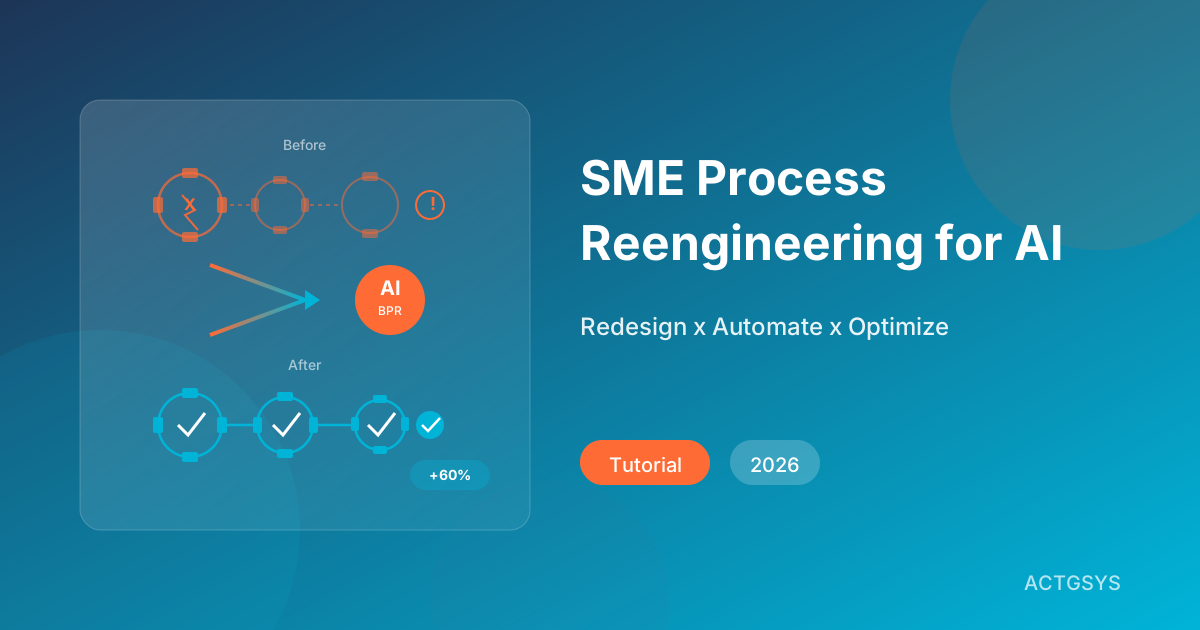
SME Process Reengineering for AI Automation (2026)
Why do most AI automation projects fail? This guide reveals that Business Process Reengineering (BPR) is the key to success, with a complete framework for SMEs.
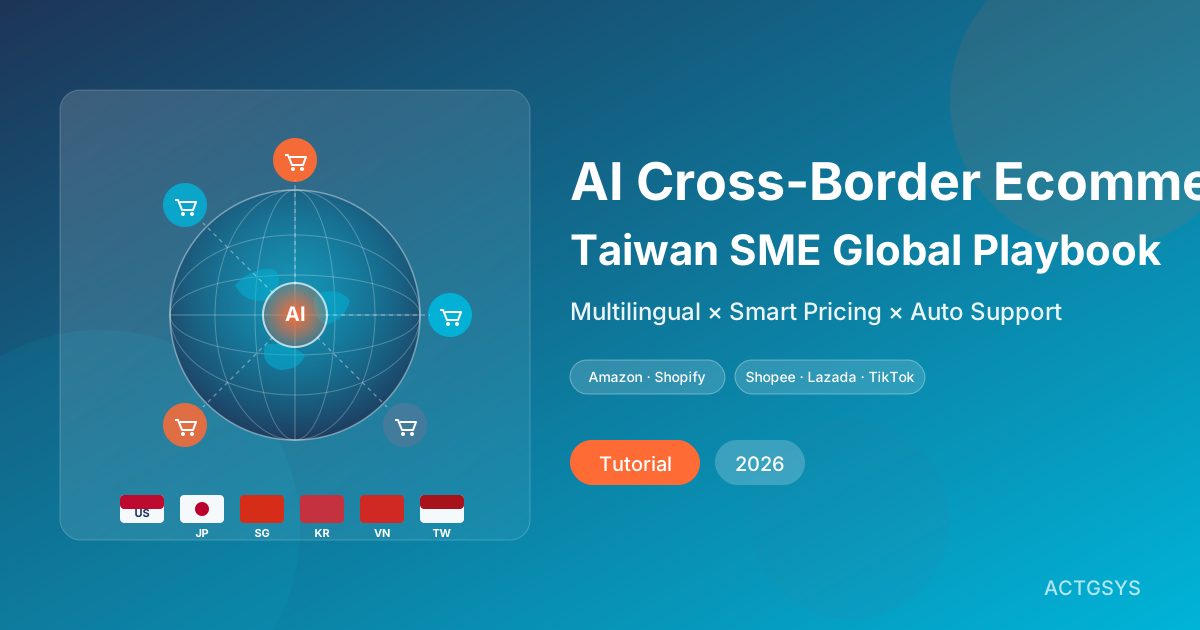
AI Cross-Border Ecommerce Playbook for SMEs (2026)
How Taiwan SMEs use AI to automate cross-border e-commerce — multilingual listings, smart customer service, dynamic pricing, ad ops, and logistics forecasting across Amazon, Shopify, Shopee, Lazada, and TikTok Shop.
What would this cost you?
Answer five questions. Within three working days you get a price range and what it covers. No deck, no follow-up sales calls.
Prefer to talk?LINE·02-2553-8084