No-Code and Low-Code SME Automation (2026)
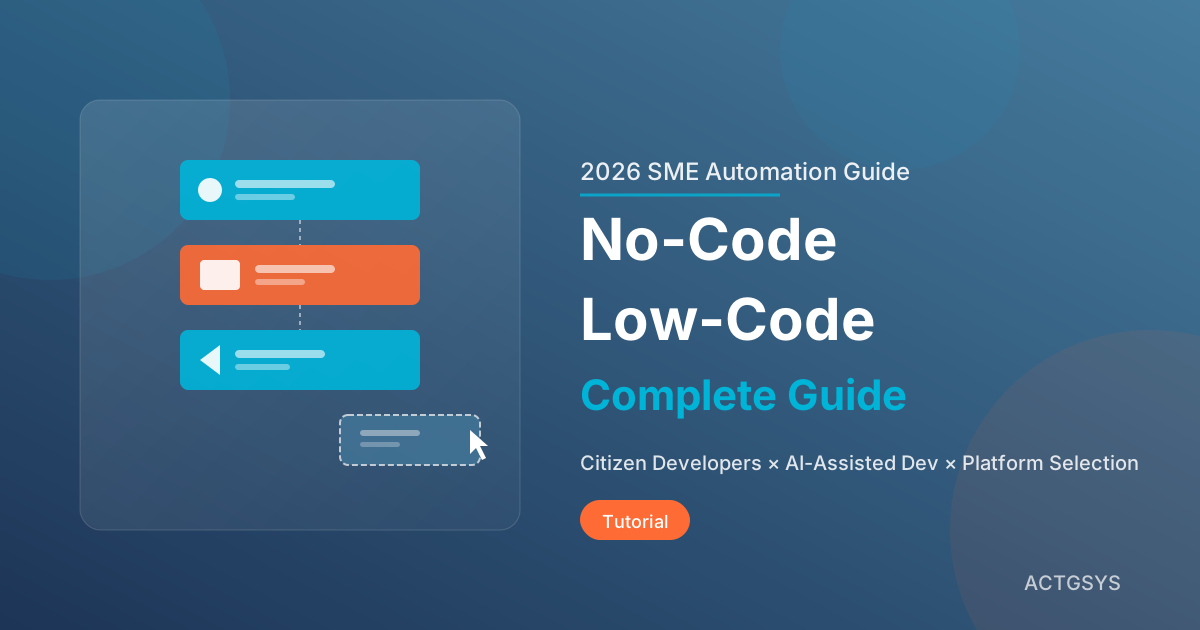
When traditional software development takes months or even years to complete, how can SMEs stay competitive in a rapidly changing market? The answer is No-Code/Low-Code platforms. According to the latest statistics, this market has grown into a $45.5 billion global ecosystem, expanding at a 28.1% compound annual growth rate. Gartner predicts that by 2026, over 75% of new enterprise applications will be developed using Low-Code or No-Code technologies.
The Difference Between No-Code and Low-Code
Before diving deeper, let's clarify these often-confused concepts:
No-Code
- Definition: Build applications entirely through visual interfaces by dragging and dropping components
- Target Users: Business professionals, non-technical backgrounds
- Characteristics: Quick to learn, less flexibility, suitable for standardized processes
- Representative Platforms: Bubble, Webflow, Airtable
Low-Code
- Definition: Visual development with retained code extension capabilities
- Target Users: IT professionals, business users with basic programming concepts
- Characteristics: Balances efficiency and flexibility, handles complex logic
- Representative Platforms: OutSystems, Mendix, Microsoft Power Platform
Feature Comparison
| Aspect | No-Code | Low-Code |
|---|---|---|
| Learning Curve | Low (hours) | Medium (days to weeks) |
| Development Speed | Very fast | Fast |
| Customization Level | Limited | High |
| Scalability | Limited | Good |
| Use Cases | Simple processes, prototypes | Enterprise apps, complex integrations |
| Maintenance Cost | Low | Medium |
Key Market Trends for 2026
Trend 1: Citizen Developers Become the Majority
Citizen Developers are business professionals without IT backgrounds who can use No-Code/Low-Code tools. According to surveys:
- 41% of enterprises already have formal citizen developer programs
- 20% are evaluating or planning to launch one
- By 2026, 80% of Low-Code users will come from outside formal IT departments
This means business departments can directly build tools that meet their needs, dramatically shortening time from requirements to delivery.
Trend 2: AI-Assisted Application Development
2026 marks a new era of AI-assisted application development:
- Natural Language Code Generation: Describe requirements to generate functional modules
- Intelligent Workflow Suggestions: AI automatically recommends optimized processes
- Automated Testing: Reduces initial development cycles by 40-50%
One company reported that using AI-assisted Low-Code tools reduced prototype development time by 40% to 50%.
Trend 3: Governed Citizen Development
As No-Code/Low-Code proliferates, enterprises are establishing structured governance mechanisms:
- Standardized development guidelines
- Security review processes
- Application lifecycle management
- Permission and data access control
This "governed citizen development" model will become mainstream in 2026, ensuring balance between innovation and control.
Trend 4: Agentic Automation
The 2026 trend isn't just automation—it's Agentic Automation—intelligent automation with autonomous decision-making capabilities. Low-Code platforms are integrating AI Agent capabilities, allowing automated processes to:
- Understand unstructured data
- Autonomously determine next actions
- Handle exceptions
- Continuously learn and optimize
How Can SMEs Get Started?
Step 1: Identify Automation Opportunities
According to market research, the most common No-Code/Low-Code use cases:
- Form Building (58%): Customer data collection, internal applications
- Workflow Automation (49%): Approval processes, notification dispatch
- Data Visualization (33%): Report dashboards, KPI tracking
Start identifying opportunities with these questions:
- Which tasks require extensive manual input?
- Which processes frequently experience delays or errors?
- Which reports take significant time to produce?
- What administrative tasks do employees complain about most?
Step 2: Choose the Right Platform
Leading 2026 platforms each have their strengths:
| Platform | Strengths | Best For |
|---|---|---|
| OutSystems | Enterprise-grade security, scalable | Large enterprises, complex applications |
| Mendix | Multi-experience applications, cross-device | Mid-to-large enterprises |
| Microsoft Power Platform | Azure integration, comprehensive | Microsoft ecosystem users |
| Retool | Internal tools, data operations | Tech teams, data-intensive apps |
| Bubble | Web applications, SaaS products | Startups, MVP development |
| Webflow | Design-oriented, responsive websites | Marketing teams, brand websites |
| Zoho Creator | Business processes, custom apps | SMEs |
Step 3: Establish a Governance Framework
Even small teams should establish basic governance mechanisms:
- Naming Conventions: Unified naming for applications and components
- Version Control: Track change history
- Permission Management: Define who can create, edit, publish
- Documentation: Explain application purpose and logic
- Review Process: Pre-launch checks for important applications
Step 4: Start with Pilot Projects
Don't try to do too much at once. Choose projects that are:
- Limited in scope: Easy to fix if errors occur
- Clear benefits: Easy to demonstrate results
- Stakeholder support: People willing to invest and test
- Short timeline: Completable within 2-4 weeks
Successful pilot projects build confidence and momentum for broader rollout.
Cost-Benefit Analysis
Labor Cost Savings
Research shows citizen developers cost 40-60% less than professional developers. Beyond salary differences, the key benefits include:
- Reduced requirements communication back-and-forth
- Lower project delay risks
- Business department self-maintenance
Development Time Reduction
Low-Code platforms can reduce development time by 50% to 90%. Projects that would take months can potentially be completed in weeks.
ROI Calculation Example
Assuming a medium-sized enterprise:
| Item | Traditional Development | Low-Code |
|---|---|---|
| Development Time | 6 months | 6 weeks |
| Development Cost | $20,000 | $5,000 |
| Maintenance Cost (annual) | $3,500 | $1,000 |
| Year 1 Total Cost | $23,500 | $6,000 |
| Savings Rate | - | 74% |
Common Challenges and Solutions
Challenge 1: Scalability Concerns (47% of enterprises)
Solution: Choose enterprise-grade platforms, plan modular architecture, and reserve space for professional development integration.
Challenge 2: Vendor Lock-in (37% of enterprises)
Solution: Evaluate data export capabilities, choose open standards, and maintain documentation of core logic.
Challenge 3: Security Concerns (25% of enterprises)
Solution: Choose platforms with security certifications, establish permission control mechanisms, and conduct regular security reviews.
Challenge 4: Quality Control
Solution: Establish code (or process) review mechanisms, set development standards, and provide training resources.
Collaboration Models with Professional Development
No-Code/Low-Code doesn't replace professional development—it complements it:
Fusion Team Model
Business professionals and IT experts form hybrid teams:
- Business professionals handle frontend applications and processes
- IT experts manage integration, security, and complex logic
- Together they define standards and best practices
Division of Work
| Task Type | Recommended Owner |
|---|---|
| Simple forms and processes | Citizen Developers |
| Internal departmental tools | Citizen Developers + IT Review |
| Cross-system integration | IT Experts |
| Core business systems | Professional Development Team |
| Security-sensitive applications | Professional Development Team |
FAQ
Q1: My employees have no technical background—can they really use No-Code?
Yes! No-Code platforms were designed for non-technical users. Most platforms offer rich templates and tutorials, and typical business users can start building simple applications after just a few hours of training.
Q2: Are No-Code applications professional enough?
Modern No-Code platforms can build quite professional applications. Platforms like Bubble have successful SaaS product case studies. Of course, for highly complex or performance-demanding applications, Low-Code or traditional development is still recommended.
Q3: How can I ensure quality of citizen-developed applications?
Establishing a governance framework is key: develop guidelines, establish review processes, provide training resources, and regularly review application status. Many enterprises set up "Centers of Excellence" to promote best practices.
Q4: What are Low-Code platform licensing costs?
Prices vary widely. There are free plans (limited features), per-user pricing (hundreds to thousands per month), per-application pricing, and enterprise licenses. We recommend trying free versions first to confirm fit before investing.
Q5: Is No-Code/Low-Code suitable for all enterprises?
Most enterprises can benefit, but to varying degrees. If your business processes are highly standardized or highly unique, benefits may be limited. We recommend first identifying specific pain points and evaluating whether they match platform capabilities.
Conclusion: Seize the Low-Barrier Transformation Opportunity
No-Code/Low-Code is democratizing software development, allowing SMEs to achieve digital transformation at reasonable costs. In 2026, this trend will become even more powerful with AI integration—not just visual development, but truly intelligent automation.
ACTGSYS provides comprehensive enterprise automation solutions, from requirements assessment and platform selection to system integration, helping you find the most suitable digital transformation path. Whether you want to quickly build internal tools or integrate existing systems for intelligent automation, we can provide professional support.
Schedule a consultation now—let's explore your automation possibilities together!
Products & Solutions in This Article
Related Articles
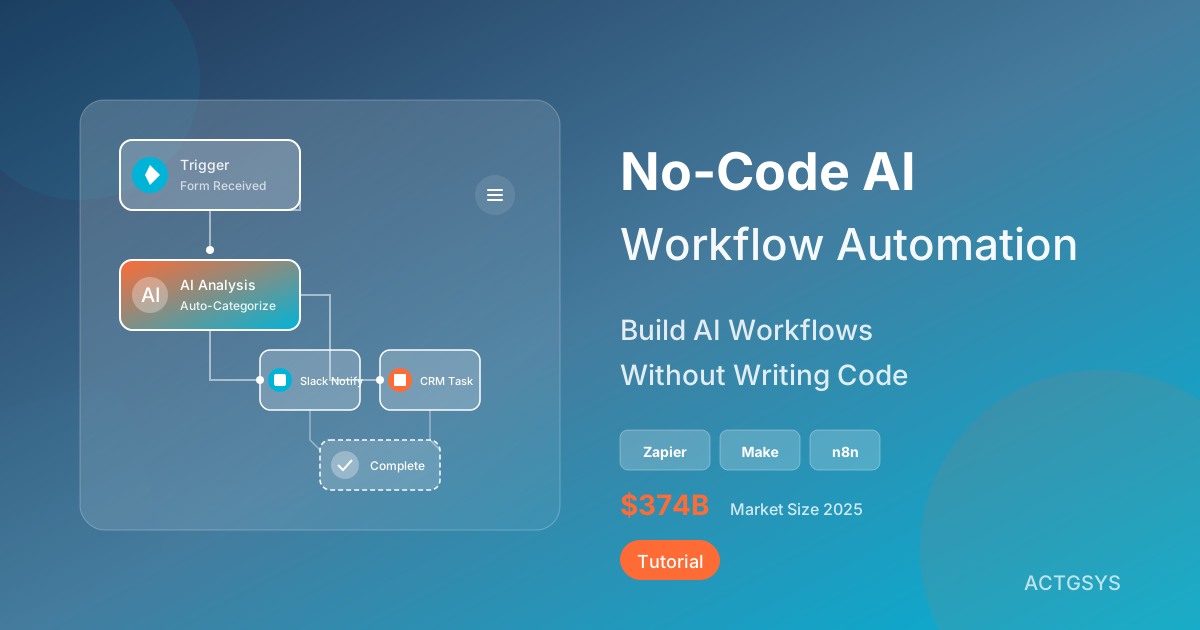
No-Code AI Workflow Automation for SMEs
Explore the hottest No-Code AI automation tools of 2025, including Zapier AI, Make, and n8n. Learn how to build AI workflows using natural language, enabling non-technical staff to achieve enterprise automation with 80% efficiency gains.
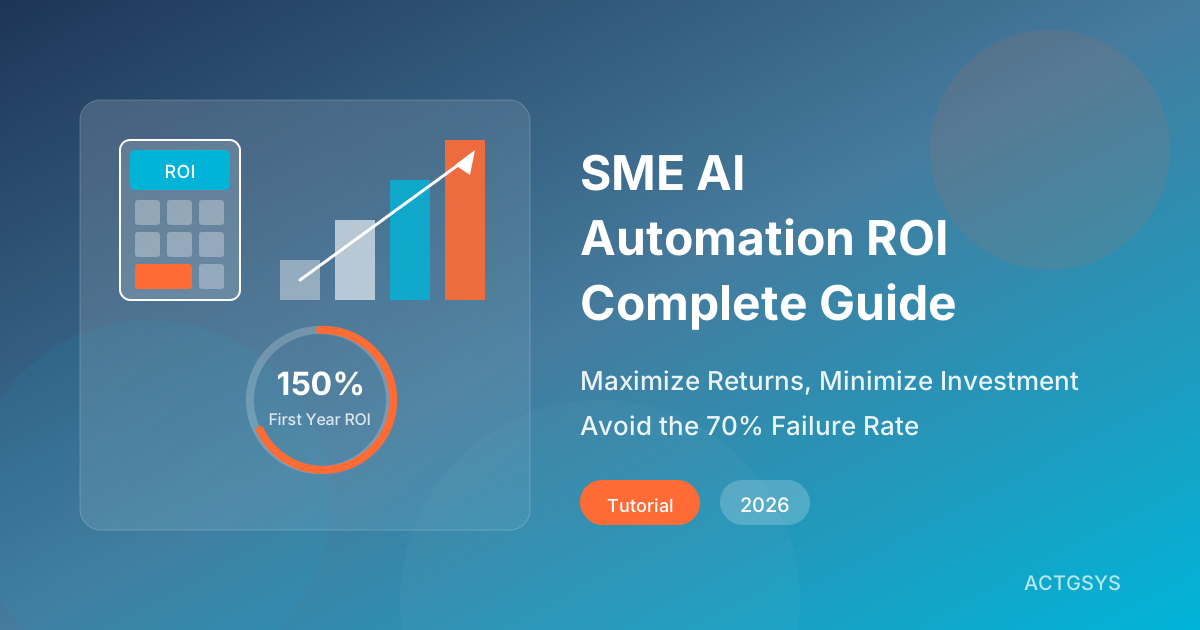
SME AI Automation ROI Guide (2026)
A comprehensive ROI analysis for SMEs adopting AI automation in 2026, covering cost-benefit calculations, real case studies, common pitfalls, and quick-win automation scenarios to help businesses embrace AI the right way.
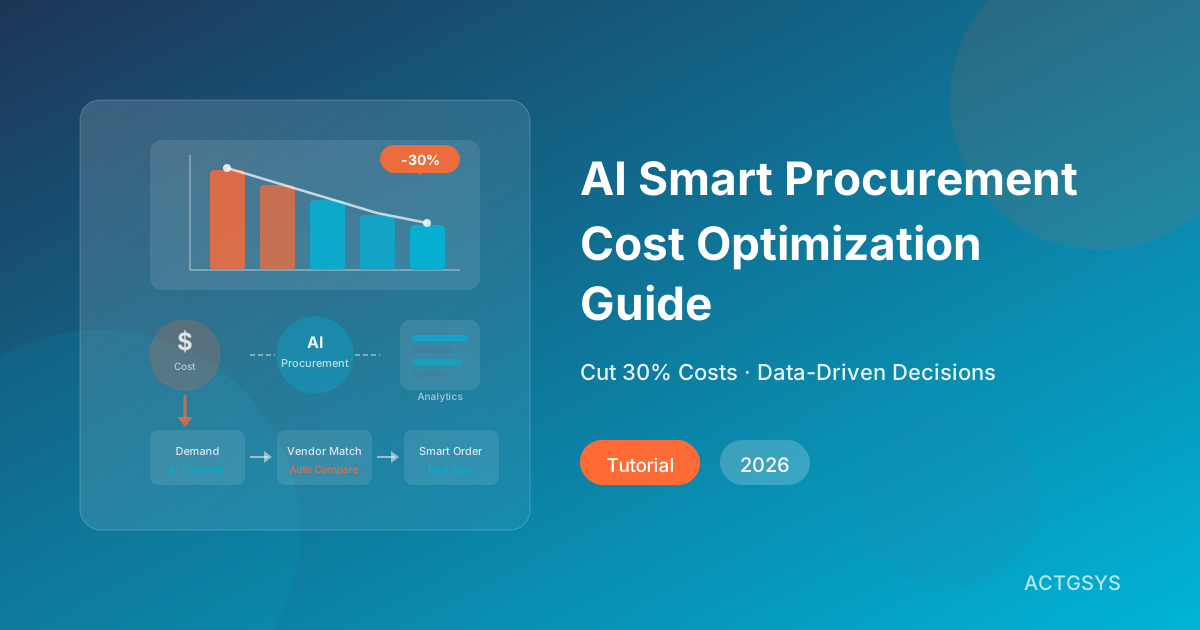
AI Smart Procurement & Cost Optimization Guide
Learn how AI is transforming procurement for small and mid-sized businesses — from supplier evaluation to price prediction, with ROI models, implementation steps, and Dinkoko ERP integration.
What would this cost you?
Answer five questions. Within three working days you get a price range and what it covers. No deck, no follow-up sales calls.
Prefer to talk?LINE·02-2553-8084