Trigger-Based AI Automation for CRM and ERP (2026)
Trigger-Based AI Automation: How CRM and ERP Are Evolving from Passive Records to Proactive Decision Engines in 2026
Is your CRM still waiting for a sales manager to open a report before discovering a customer is about to churn? Is your ERP still catching inventory problems only during month-end reviews? In 2026, the most powerful enterprise AI isn't a flashy chatbot — it's trigger-based AI automation working silently in the background, detecting patterns, triggering actions, and recommending decisions without human intervention.
What Is Trigger-Based AI Automation?
Trigger-based AI automation is an event-driven intelligent automation mechanism. When a system detects specific conditions or patterns, AI automatically executes a predefined action chain without manual intervention.
The key difference from traditional automation: while conventional rule engines rely on static conditions (e.g., "reorder when inventory drops below 100"), trigger-based AI uses machine learning to understand dynamic patterns, making more precise decisions based on historical data and real-time context.
Trigger-Based AI vs Traditional Automation vs AI Copilot
| Comparison | Traditional Rule Automation | AI Copilot | Trigger-Based AI |
|---|---|---|---|
| Trigger Method | Fixed conditions (if-then) | User-initiated queries | AI auto-detects patterns |
| Decision Capability | None, follows preset logic | Suggests but doesn't execute | Autonomous judgment + execution |
| Learning Ability | None | Yes, but passive | Continuously optimizes triggers |
| Real-Time Response | Instant but rigid | Requires user interaction | Instant and intelligent |
| Best For | Simple repetitive tasks | Complex analysis queries | Anomaly detection, alerts, auto-response |
Trigger-Based AI Applications in CRM
1. Automatic Customer Churn Alerts
When AI detects changing customer behavior patterns — such as declining login frequency, increased support interactions, or approaching renewal dates without response — the system automatically:
- Calculates the customer's churn risk score
- Notifies the account manager with suggested retention strategies
- Schedules care calls or sends personalized offers
- Escalates high-risk customers to management
2. Intelligent Sales Timing Capture
AI continuously monitors prospect digital behavior:
- Prospect opens pricing email 3 times within 24 hours → Auto-alerts sales to follow up immediately
- Prospect switches from mobile to desktop to view plans → Signals serious evaluation stage
- Prospect browses competitor comparison pages → Triggers exclusive discount notification
3. Real-Time Customer Sentiment Analysis
Through NLP analysis of customer service conversations:
- Customer tone shifts from neutral to negative → Auto-escalates to senior support
- Customer mentions "cancel" or "refund" → Immediately triggers retention workflow
- Multiple customers report the same issue simultaneously → Auto-generates system anomaly report
Trigger-Based AI Applications in ERP
1. Supply Chain Anomaly Alerts
- Supplier delivery delays trending upward → AI recommends alternative suppliers with switching cost analysis
- Raw material price fluctuations exceed historical standard deviation → Triggers advance purchase recommendations
- Logistics anomalies (e.g., port congestion) → Automatically adjusts order schedules and notifies customers of delivery changes
2. Intelligent Inventory Management
Traditional ERP only tells you "current inventory levels." Trigger-based AI predicts the future:
- Sales trends + seasonal factors + promotional plans → Auto-generates optimal procurement recommendations
- Items with declining turnover rates → Triggers clearance promotion proposals
- Predicted stockout risk → Automatically sends urgent replenishment orders to suppliers
3. Financial Anomaly Detection
- Invoice amounts abnormally high or pattern mismatches → Auto-flagged with finance manager notification
- Customer payment delay trends worsening → Triggers credit limit re-evaluation
- Department budget consumption exceeding targets → Instant management alerts
Practical Steps for SMEs to Implement Trigger-Based AI
Phase 1: Identify High-Value Trigger Scenarios (1-2 Weeks)
- List situations where you always react too late: What problems are always discovered after they've become severe?
- Quantify the cost of delayed response: What does it cost to discover customer churn or stockouts a day late?
- Prioritize: Select the 3 scenarios with the highest ROI potential
Phase 2: Build the Data Foundation (2-4 Weeks)
- Ensure CRM/ERP data quality (completeness, timeliness)
- Integrate cross-system data sources (website behavior + CRM + ERP)
- Establish standardized event logging formats
Phase 3: Design Trigger Rules and Action Chains (2-3 Weeks)
- Define trigger conditions (start with a hybrid rules + AI approach)
- Design action chains for each trigger (notify → suggest → auto-execute)
- Set boundaries for human intervention (which decisions require confirmation)
Phase 4: Deploy and Continuously Optimize (Ongoing)
- Run small-scale pilots, collecting trigger accuracy data
- Adjust models based on false positive and false negative rates
- Gradually expand the scope of automated execution
Implementation Results: Real Data
| Application | Before | After | Improvement |
|---|---|---|---|
| Customer churn alerts | Discovered in monthly reports | Real-time detection | 3-4 weeks earlier warning |
| Sales follow-up speed | Average 48 hours | Average 2 hours | 24x faster |
| Inventory stockout rate | 12% | 3% | 75% reduction |
| Financial anomaly detection | Found at month-end close | Real-time flagging | 90% risk reduction |
| Supplier risk response | Reactive to problems | 2-week advance warning | 60% fewer emergency purchases |
Frequently Asked Questions
Q1: Does trigger-based AI automation require massive amounts of data to start?
Not necessarily. You can begin with a "rules + AI" hybrid approach — start with clear business rules for trigger conditions (e.g., inventory below safety stock), then gradually introduce AI to learn more complex patterns. Typically, 3-6 months of historical data is sufficient to train a basic model.
Q2: How do you ensure AI doesn't make wrong decisions?
Best practice is tiered authorization: low-risk actions (like notifications) can be fully automated, medium-risk actions (like price adjustments) require human confirmation, and high-risk actions (like large purchases) only generate recommendations. Expand automation scope gradually as trust builds.
Q3: Can SMEs afford trigger-based AI?
Modern CRM and ERP platforms (like DanLee CRM and Dinkoko ERP) already include built-in trigger automation capabilities — no need to build from scratch. SMEs can start with platform-native trigger rules and expand based on needs.
Q4: How is trigger-based AI different from RPA?
RPA (Robotic Process Automation) simulates human actions in a "step-by-step" manner, ideal for fixed processes. Trigger-based AI is "context-aware" automation that dynamically determines when and what action to take. The two are complementary.
Q5: How long does implementation take?
From scenario planning to the first trigger rule going live, it typically takes 6-8 weeks. But results come quickly — most companies notice the value of "problems being discovered earlier" within the first month.
Conclusion: Teach Your Systems to Think Proactively
In 2026, competitive advantage isn't about "who has more data" — it's about "who responds faster to the signals within the data." Trigger-based AI automation transforms your CRM and ERP from passive record-keeping tools into proactive decision engines — alerting before problems occur and acting when opportunities arise.
Ready to build trigger-based AI automation for your business? Contact ACTGSYS — our consulting team will design the ideal intelligent trigger solution based on your specific business scenarios.
Products & Solutions in This Article
AI-powered CRM for lead management, customer tracking, and sales pipeline optimization designed for SMEs.
AI-driven ERP focusing on procurement, inventory, and supply chain management. Each customer deployed on dedicated cloud infrastructure.
Related Articles
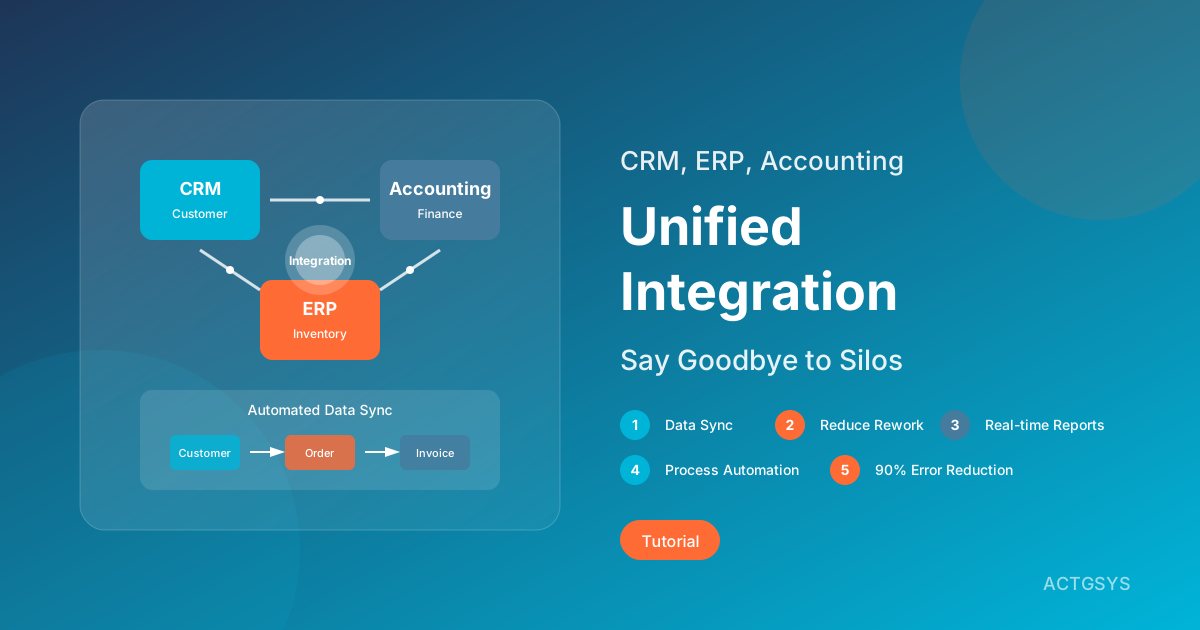
How to Integrate CRM, ERP, and Accounting Systems
In-depth analysis of integration strategies for CRM, ERP, and accounting systems. Understand the pain points of information silos, compare integration methods (API, middleware, native integration), and learn how to achieve data synchronization and process automation.
AI Agents Enterprise Transformation 2026
Deep dive into how AI Agents are reshaping enterprise operations in 2026, covering multi-agent systems, CRM/ERP integration, and customer service automation for SMEs.
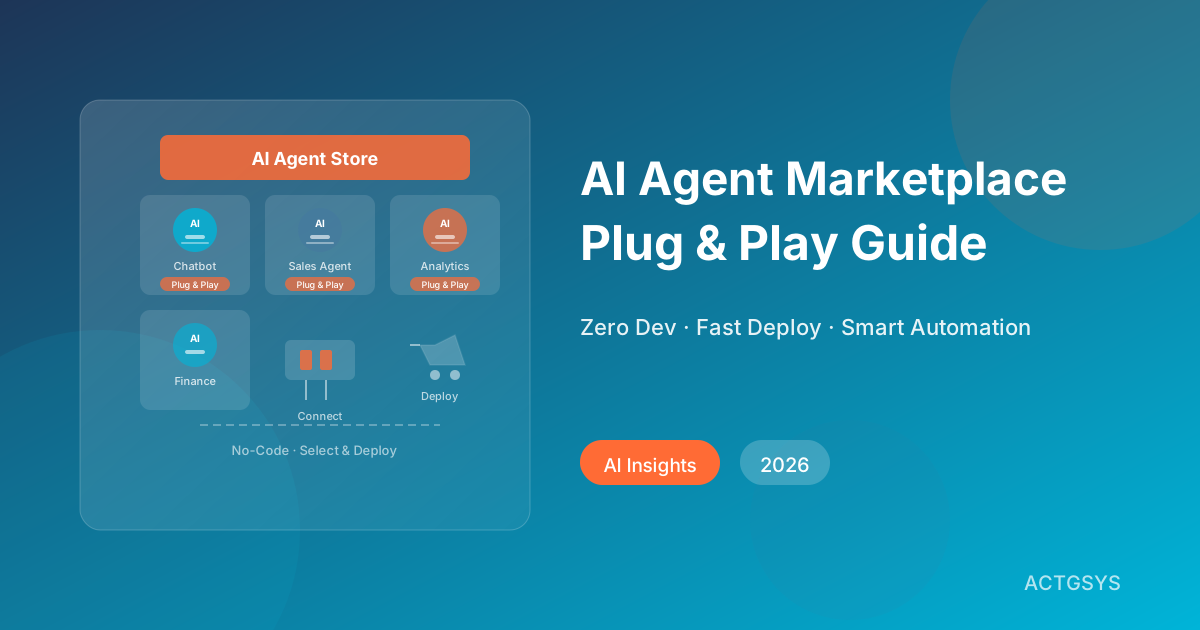
AI Agent Marketplaces: No-Code AI for SMEs (2026)
A comprehensive breakdown of how AI Agent marketplaces let small and medium businesses deploy intelligent automation without custom development — featuring platform comparisons, a buyer's guide, and 3 real-world success stories.
What would this cost you?
Answer five questions. Within three working days you get a price range and what it covers. No deck, no follow-up sales calls.
Prefer to talk?LINE·02-2553-8084