LINE Official Account + CRM Integration: Customer Engagement for SMEs
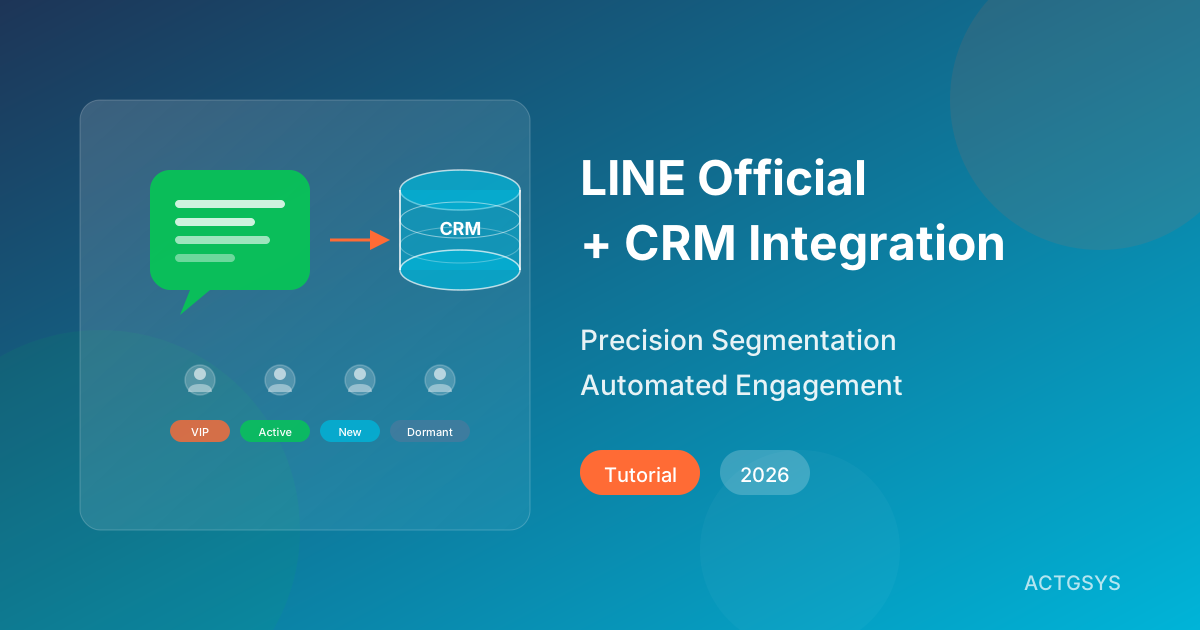
In Taiwan, LINE has over 21 million monthly active users — nearly the entire population. For SMEs, a LINE Official Account is far more than a messaging tool — it's the most direct communication channel with customers. But the real question is: are you using this channel effectively? If your LINE Official Account is still stuck at "blast promotional messages to everyone," you might be wasting your most valuable customer relationship asset.
Why Your LINE Official Account Needs CRM Integration
Pain Points of Using LINE Official Account Alone
Many SMEs face these challenges when using LINE Official Accounts:
- Scattered customer data: Cannot link LINE friends with customer data from other channels
- No precise segmentation: Can only broadcast to all friends, unable to differentiate communication
- Untraceable conversations: Customer service chats are dispersed with no complete interaction history
- Hard to measure ROI: Cannot track conversion rates from LINE messages to actual sales
- High labor costs: Manual replies, manual tagging, manual grouping consume significant manpower
The Transformation After CRM Integration
| Capability | Without CRM | With CRM Integration |
|---|---|---|
| Customer ID | Only LINE display name | Full 360-degree customer profile |
| Messaging | Broadcast to all friends | Behavior & tag-based segmentation |
| Customer Service | Manual individual replies | AI auto-reply + human handoff |
| Analytics | Basic LINE dashboard data | Complete marketing funnel analysis |
| Automation | Almost none | Auto-tagging, triggered messages, follow-up reminders |
| ROI Tracking | Unmeasurable | Full attribution analysis |
Core Architecture of LINE CRM Integration
1. Customer Identity Binding (ID Binding)
Link LINE friends' User IDs with customer records in your CRM to establish a unified customer identification system.
Binding methods include:
- Guide friends to fill out forms (name, phone, email)
- Login through membership system
- Auto-bind during QR code redemption
- Auto-link during purchase orders
2. Automated Tagging System
Automatically add tags based on customer behavior on LINE:
- Interaction tags: Menu clicks, keyword replies, survey participation
- Purchase tags: Spending amount, frequency, recency (RFM model)
- Interest tags: Product categories browsed, content types downloaded
- Lifecycle tags: New customer, active, dormant, at-risk of churning
3. Segmented Messaging Engine
Build precise audience segments based on tag combinations:
- High-value customers: Top 20% spenders, push VIP-exclusive offers
- Win-back segment: No interaction for 30+ days, send re-engagement promotions
- New friend nurture: Added within 7 days, send brand story and welcome offers
- Cart reminder: Browsed products without purchasing, send limited-time discounts
4. AI Smart Customer Service Integration
Combine AI chatbots with CRM data for personalized automated service:
- AI recommends related products based on purchase history
- Auto-detects customer intent and routes to appropriate agents
- Automated replies and issue collection during off-hours
- Conversations auto-logged to CRM customer profiles
Step-by-Step: Build Your LINE CRM Integration
Step 1: Map the Customer Journey
Before implementing, map the complete journey from brand awareness to loyalty:
- Awareness: Add LINE friend from ads, search, or referrals
- Interest: Browse rich menus, click links, ask questions
- Consideration: Request quotes, compare plans, book consultations
- Purchase: Place order, make payment, receive delivery
- Loyalty: Repurchase, refer friends, join member activities
Step 2: Choose Your Integration Approach
| Approach | Best For | Pros | Cons |
|---|---|---|---|
| LINE Messaging API + Existing CRM | Companies with existing CRM | Preserves existing systems | Requires custom integration |
| All-in-one LINE CRM Platform | Companies without CRM | Quick deployment | May have limited features |
| Custom Integration Development | Complex workflow needs | Fully customized | Longer development time |
Step 3: Design Automation Workflows
Example workflow for "New Friend Added":
- New friend joins → Send welcome message (brand intro + first-purchase coupon)
- After 24 hours → Send product recommendations (customized by source)
- Friend clicks link → Auto-add interest tags
- No interaction within 7 days → Send engagement prompt
- Friend completes first purchase → Tag as "converted" → Enter post-purchase care flow
Step 4: Build Content Library
Prepare content for different segments and trigger points:
- Rich cards: Product introductions, promotions, brand stories
- Quick reply buttons: FAQ options, product category selections
- Flex Messages: Interactive quotes, order confirmations, satisfaction surveys
Step 5: Launch, Test, and Optimize
- Test workflows internally first
- Open to 10-20% of friends for A/B testing
- Monitor key metrics: open rate, click rate, conversion rate, block rate
- Continuously adjust timing, content, and segmentation based on data
Case Study: Restaurant Chain LINE CRM Results
A Taiwanese restaurant chain's results after implementing LINE CRM integration:
| Metric | Before | After | Improvement |
|---|---|---|---|
| Message Open Rate | 15% | 42% | +180% |
| Repeat Purchase Rate | 22% | 38% | +73% |
| Service Response Time | Avg. 45 min | Instant (AI) + 5 min (human) | -89% |
| Monthly Marketing Staff | 3 people | 1 person | -67% |
| Friend Block Rate | 8% | 2.5% | -69% |
Key success factor: Switching from broadcast to segmented messaging dramatically improved message relevance, significantly reducing block rates.
Frequently Asked Questions
Q1: How much does LINE CRM integration cost?
Costs depend on the integration approach and friend count. All-in-one platforms run $100-500/month; custom integration development requires an initial investment of $3,000-15,000, suitable for businesses with long-term engagement needs.
Q2: Will integration affect my existing LINE Official Account?
No. Integration extends functionality on top of your existing LINE Official Account. All current friends, conversation history, and settings are preserved.
Q3: How long until I see results?
All-in-one platforms typically launch in 2-4 weeks; custom development takes 1-3 months. Data improvements appear within 1-2 months after launch, with stable optimization at 3-6 months.
Q4: How complex can AI customer service handle?
In 2026, AI customer service can handle approximately 70-80% of common questions. For complex or sensitive issues, the system automatically transfers to human agents with complete conversation history and customer context.
Q5: Is it worth integrating with a small friend count?
Even with just 500-1,000 friends, precise segmentation and automated workflows can significantly improve engagement efficiency. The focus is on quality of engagement, not quantity of friends.
Conclusion: From "Message Blasting" to "Precision Conversations"
The core value of LINE CRM integration is transforming "indiscriminate message broadcasts" into "data-driven precision conversations." Every message reaches the right person, at the right time, with the right content.
ACTGSYS provides complete LINE CRM integration solutions, from LINE Bot development to CRM system setup, helping you build an automated customer engagement system.
Want to maximize your LINE Official Account's value? Schedule a free consultation now and let us build your custom LINE CRM integration.
Products & Solutions in This Article
Related Articles
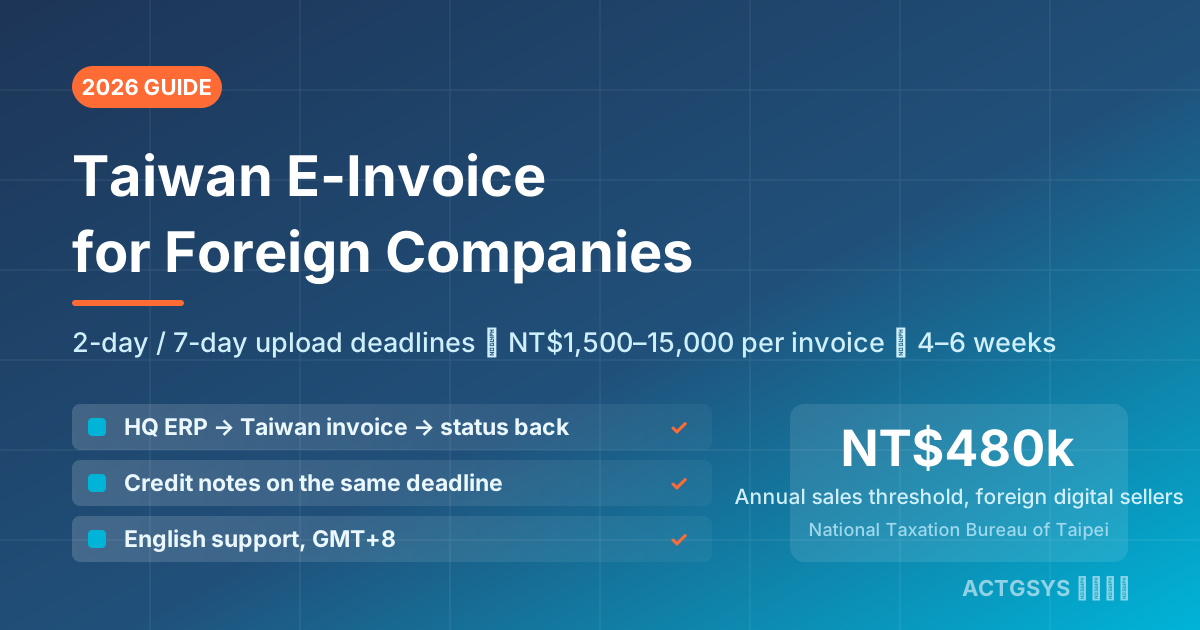
Taiwan E-Invoice for Foreign Companies 2026 - Cost
How a foreign-owned Taiwan subsidiary or branch connects its ERP to Taiwan's e-invoice platform: 2-day B2C / 7-day B2B upload deadlines, NT$1,500–15,000 per-invoice penalties, three integration paths, and a 4–6 week project from NT$50,000.
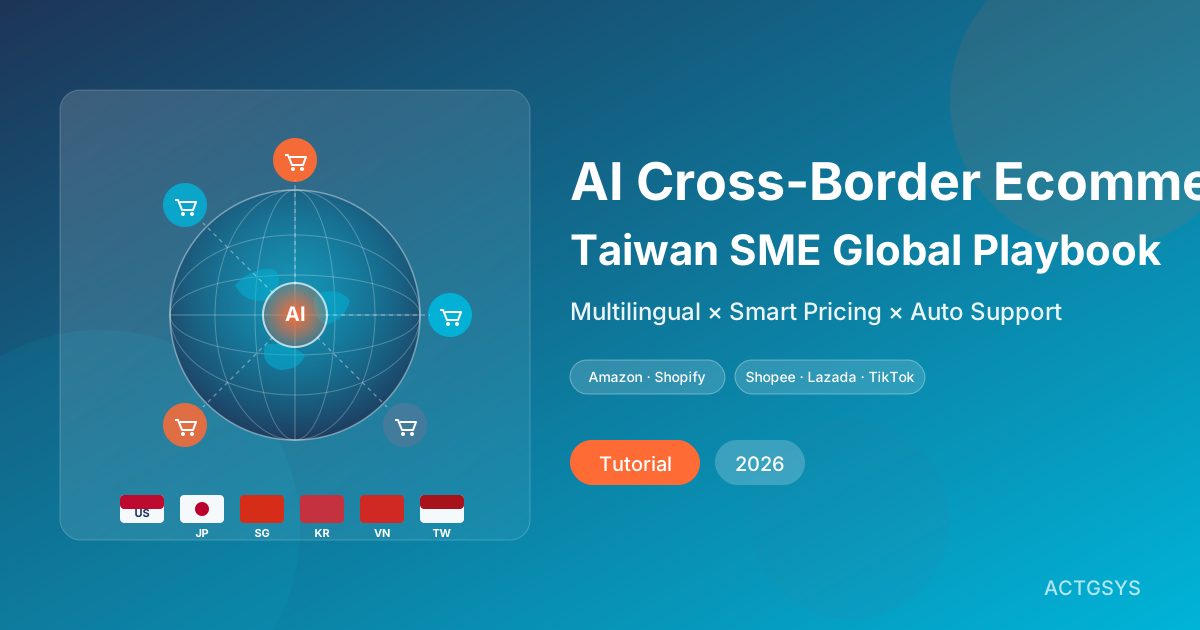
AI Cross-Border Ecommerce Playbook for SMEs (2026)
How Taiwan SMEs use AI to automate cross-border e-commerce — multilingual listings, smart customer service, dynamic pricing, ad ops, and logistics forecasting across Amazon, Shopify, Shopee, Lazada, and TikTok Shop.
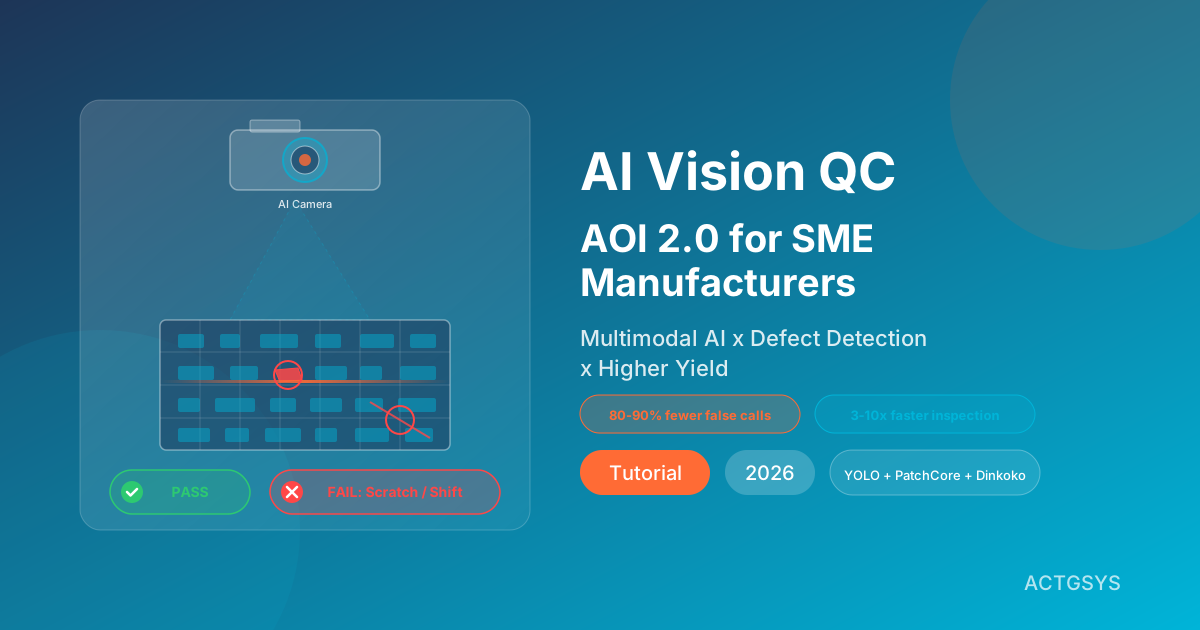
AI Vision Quality Control 2026: AOI 2.0 for SMEs
A deep dive into how AI vision QC (AOI 2.0) combines computer vision with multimodal LLMs to automate defect detection, raise yield and shrink inspection time. Includes a five-step rollout, platform comparison and FAQ.
What would this cost you?
Answer five questions. Within three working days you get a price range and what it covers. No deck, no follow-up sales calls.
Prefer to talk?LINE·02-2553-8084